
Space Shuttle: A Journey into Space
Game: Simulation · ZX-Spectrum 48K · 1 players · English
Activision Inc · 1984 · Pound sterling 7.99
Also known as Space Shuttle (English), Space Shuttle (English)
Discussion
Nobody has started a thread about this yet.
- Control Option
- Cursor, Interface 2 (right), Kempston Joystick
Releases
- 1984Activision IncPound sterling 7.99
- 1984Firebird Software Ltd Sold as Space ShuttlePound sterling 1.99
- 1985Proein Soft Line Sold as Space ShuttleSpanish peseta 2325.00
- 1985Run Informatique
Play
- SpaceShuttle-AJourneyIntoSpace.tzx.zipwithheld by rights holder
Documents
- SpaceShuttle-AJourneyIntoSpace(EN).pdfInstructions English2,605 KB
- SpaceShuttle-AJourneyIntoSpace(SpaceShuttle)(FirebirdSoftwareLtd)(EN).pdfInstructions English367 KB
Other files
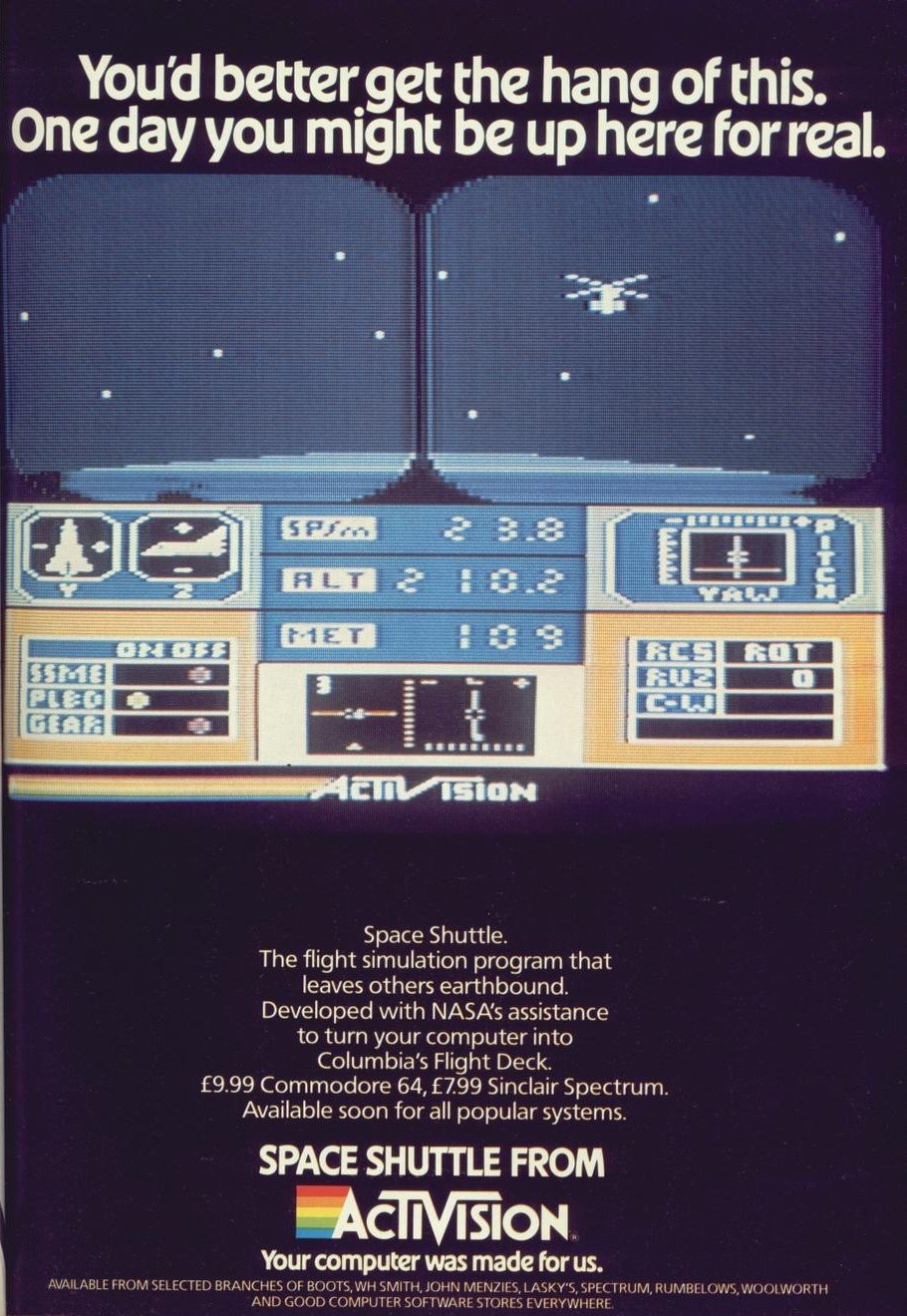
- SpaceShuttle-AJourneyIntoSpace.jpgAdvertisement 237 KB
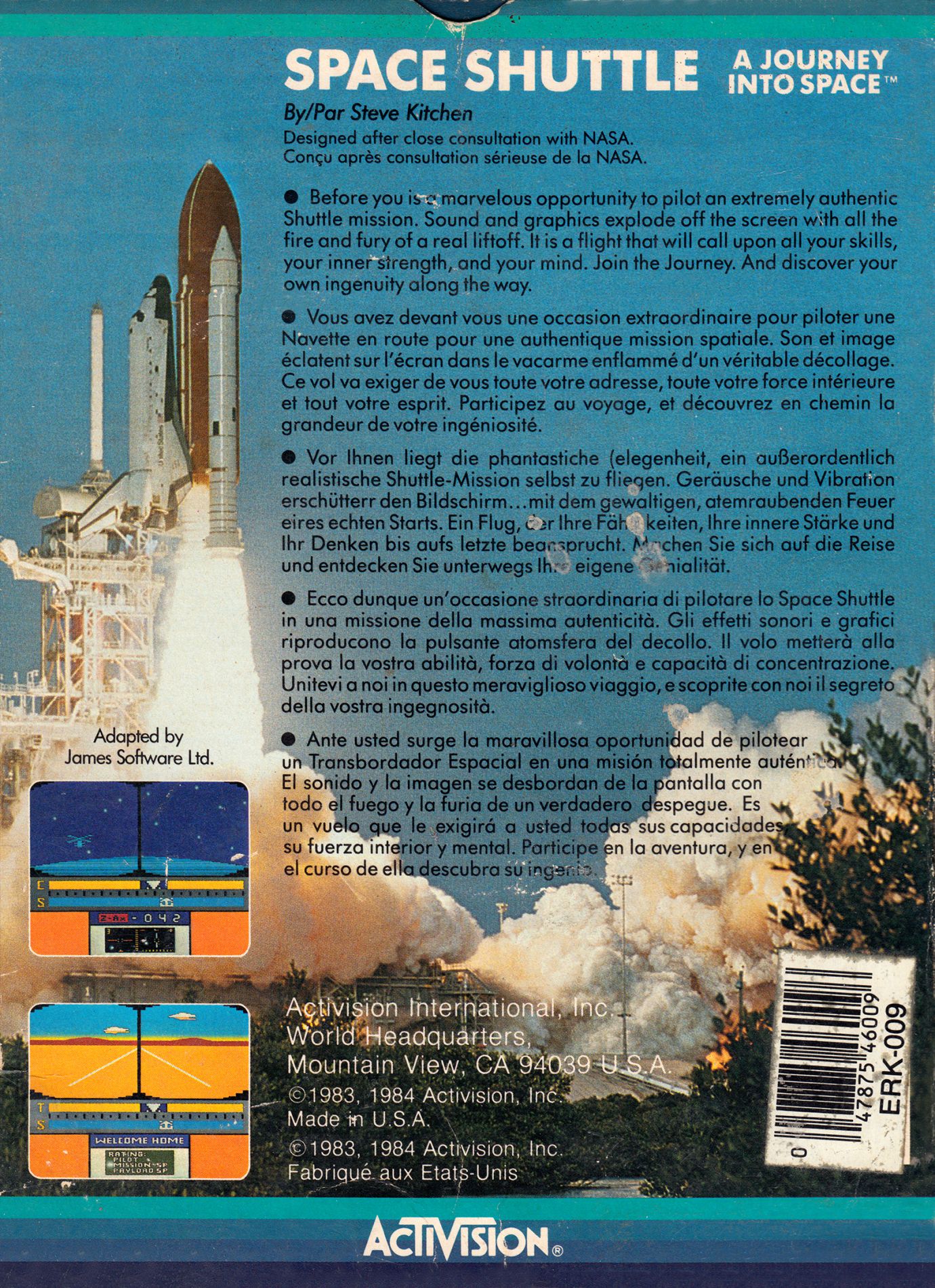
- SpaceShuttle-AJourneyIntoSpace_Back.jpgInlay - Back 670 KB
- SpaceShuttle-AJourneyIntoSpace(SpaceShuttle)(FirebirdSoftware).jpgInlay - Front 308 KB
- SpaceShuttle-AJourneyIntoSpace.jpgInlay - Front 159 KB
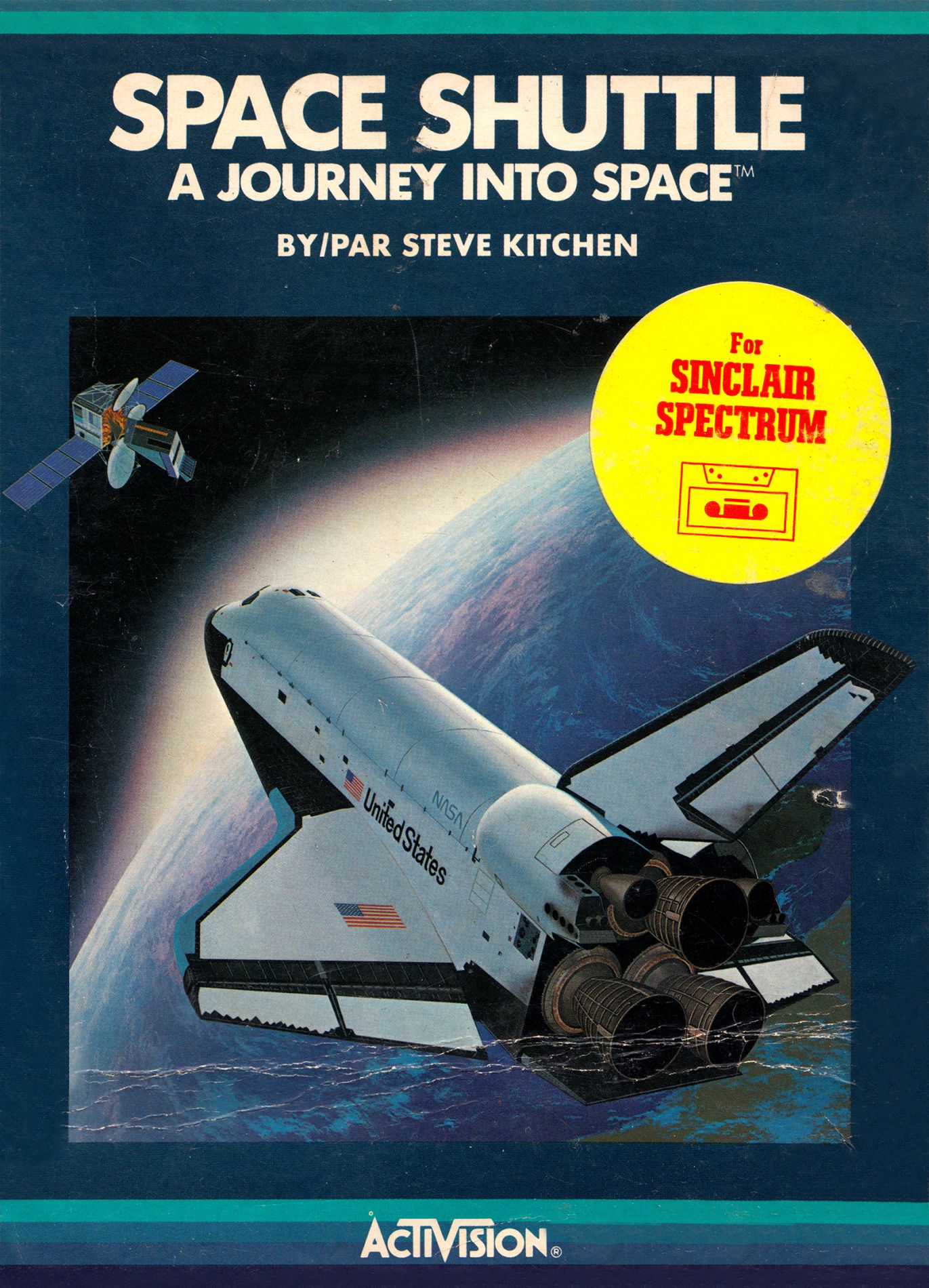
- SpaceShuttle-AJourneyIntoSpace_Front.jpgInlay - Front 502 KB
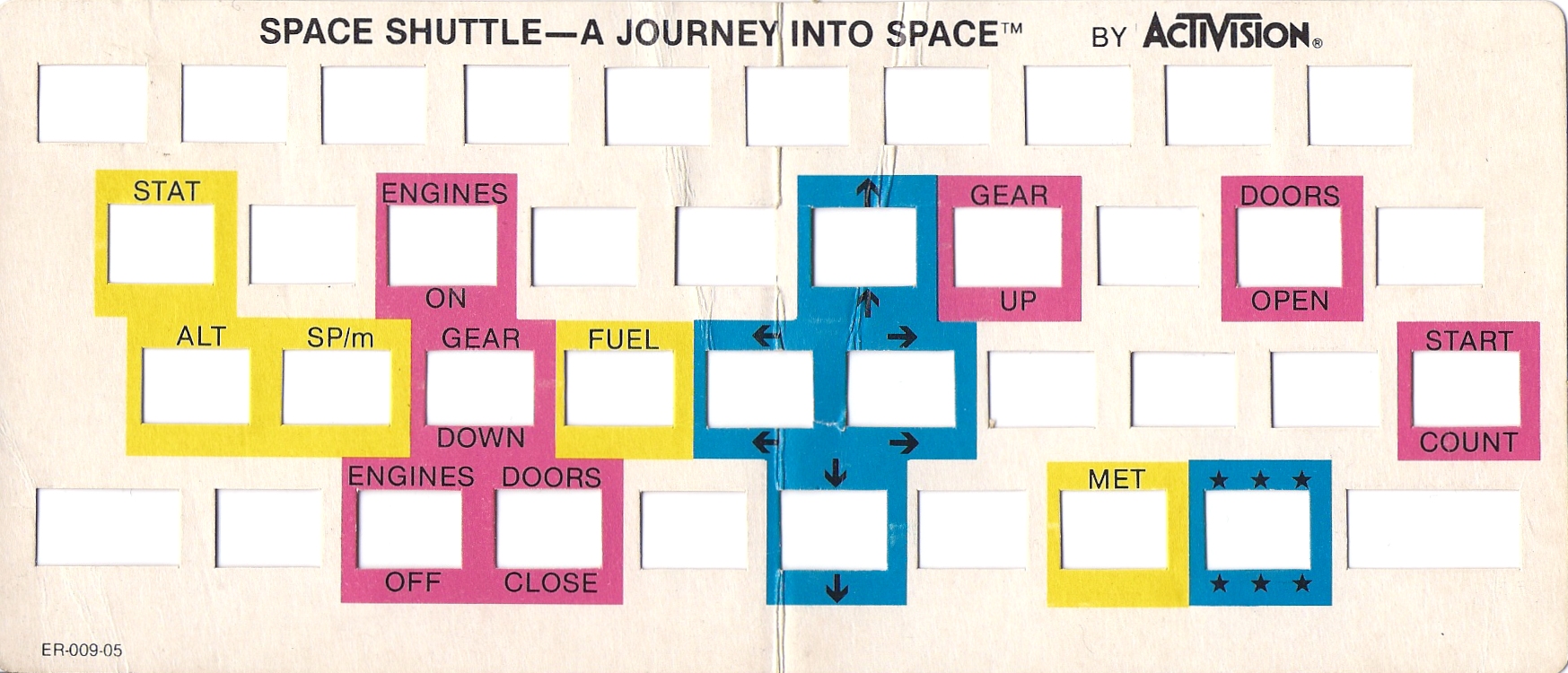
- SpaceShuttle-AJourneyIntoSpace_KeyboardOverlay.jpgKeyboard overlay 648 KB
- SpaceShuttle-AJourneyIntoSpace.scrLoading screen 7 KB
- SpaceShuttle-AJourneyIntoSpace(SpaceShuttle)(FirebirdSoftware)_Media.jpgMedia scan 131 KB
- SpaceShuttle-AJourneyIntoSpace_SideA.jpgMedia scan 77 KB
- SpaceShuttle-AJourneyIntoSpace_SideB.jpgMedia scan 77 KB
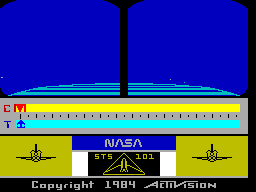
- SpaceShuttle-AJourneyIntoSpace.gifRunning screen 2 KB
(FirebirdSoftware).jpg)
(FirebirdSoftware)_Media.jpg)
Files and rights
The rights holder has refused distribution. Files are listed because their existence is a catalogue fact, and none are served from here.
- DeniedActivision Inc → WorldOfSpectrum
- AllowedFirebird Software Ltd → WorldOfSpectrum
Credits
- James Software Ltdcredited
Sign in to credit somebody, or say what these people did.
Scores
In the magazines
- Crash #131985 · Overall78%
- Sinclair User #721988 · Overall7/10
Elsewhere on the web
- WorldOfSpectrum 11 votes6.27
In the magazines 26
Sinclair User #72Mar 1988 · p.357/107/10
Overall 7/10
Chris Jenkins 7/10
Label: Firebird Author: Activision Price: £1.99 Memory: 48K/128K Joystick: various Reviewer: Chris Jenkins Now that the NASA shuttle programme is in the doldrums, Firebird's budget simulation may be the closest you'll get to seeing some space exploration on the small screen. Space Shuttle is a fairly straightforward simulation, originally an Activision full-price title. Your aim is to rendezvous with an erratically-orbiting satellite (try saying that after a pint of booster fuel), and return to each as many times as you can before your supplies run out. Graphics are uncluttered, with a through-the-cockpit view and control displays which change according to mission phase. Demo, automatic, and full mission modes give you the chance to practise before the big day, and a selection of propulsion options and telemetry displays add to the realism. The real difference between Space Shuttle and any other flight simulator is the contrast it gives between pure space navigation and the business of making a desert landing in heavy crosswinds. If you missed this one first time around, check it out now.
ZX Computing #19Jun 1985 · p.117
Clive Smith
Activision Spectrum 48K £9.99 A simulation game based on the American space shuttle which takes you from launch site to outer space and back. The object is to retrieve satellites which have become unstable and return them to Earth, making as many flights as possible on a set amount of fuel. The tape comes with a very comprehensive instruction manual which looks as if it's come directly from NASA. I locked myself in the loo and studied it for an hour or two (the book of course, not the loo). "WOW", I thought to myself, "This really looks exciting", just about everything has gone into this game. I rushed to the computer, loaded the tape and ran the demo. Well I have to admit (in disagreement with the Ed) that I found the graphics rather boring. It's not that they are badly drawn, but the instrument panel is rather sparse and visually there is not a lot to see. The top half of the screen is taken up with the window of the shuttle and the lower half is the instrument panel, this consists of two sliding scales, one with a thrust indicator on it which shoots up and down, and another which you control. The idea is to match your indicator with the thrust one in order to achieve maximum fuel economy. Below that is a small screen which gives you data reports such as altitude, count down time, fuel, position and docking. Another small screen shows your trajectory path for take-off and docking. At the bottom left & right is a front view of the shuttle which graphically shows you when your wheels are down and if the cargo doors are open or shut. After you have checked through the controls you are ready for launch and at T minus 15 seconds you activate the main engines. At -004 you ignite the engine and wait till the hold-down bolts release and you blast into space. One of the effects I did like was the vibration of the screen at lift off and the way the clouds seen through the window suddenly disappear. As the shuttle takes off you have to steer it via the joystick on its trajectory path. When at 210 miles you have to shut off the engines and open the cargo doors to dissipate heat. Through the window you see the earth below, which is a series of lines constantly moving to give a global effect. Using the tracking screen you have to find the satellite and dock with it. At this point I was hoping to see the cargo bay and a controlled arm come out and retrieve the satellite, but not so. Once docked with it, it just seems to leap aboard. Now, you have to leave orbit and attempt re-entry. As you enter the Earth's atmosphere you start to burn, and the effect in the window as the heat builds up is astounding, (the instruments go haywire as there is build up of ions). Once below the clouds you see the landing strip and you need to go through the landing sequence to bring it down. You will find your fingers are constantly in use as you fire primary engines, keep the shuttle on course as it turns On three axes and go through each sequence with absolute precision. To sum up, I thought the graphics a bit of a let-down but a hard and accurate game to play. With some flight simulation games, after an hour of use, you really feel that you have flown a plane, but I didn't get the same feeling with this one. May I suggest that if you are interested in this one try and see the demo before you buy it, but, as I said, the Editor liked it.
Crash #13Feb 1985 · p.12668%74%76%90%78%80%78%
Use of Computer 68%
Graphics 74%
Playability 76%
Getting Started 90%
Addictive Qualities 78%
Value For Money 80%
Overall 78%
Unknown
Producer: Activision Memory Required: 48K Retail Price: £7.99 Language: Machine code Author: Steve Kitchen This is the first program for the Spectrum which can be said to be a real simulation of a Space Shuttle flight. This is the 101st mission and you are at the helm of the Space Shuttle Discovery. Your target, approximately 210 nautical miles above the earth's surface, is an orbiting satellite with an intentionally programmed gyroscope problem. The more times you dock with the satellite, the worse the problem will become. A flight consists of three separate parts, Launch, Docking and Rendezvous and Re-entry and Landing. The mission may be undertaken in three ways. Flight one is effectively a demo, and unless you touch a control key, the computer will do all the work. Flight two is a simulator mode, where you control the flight but no fuel is used and the onboard computer assists you. Flight three is the real thing. The screen display shows a view out of the viewscreen as well as instrumentation. Below the viewscreen are two bars marked T and C. These indicate the engine thrust being used. C is the computer and the pilot matches its arrow with the T arrow, using the thrust button. Additionally, during all three phases, directional controls must be used to correct the shuttle's attitude and direction. In the lower centre is a message display area and display screen which shows trajectory during launch, ground tracking screen during orbit stabilisation, docking screen when within satellite range and the re-entry screen when returning to earth. Once through the atmosphere the screen switches to an ILS display for landing. This actually puts the whole thing very simply. Accompanying the program is a highly detailed booklet with illustrations of how the various screens are used. There is also an overlay for the keyboard as a number of controls are required. The visual display includes the sky during take off, gradually darkening into space with moving stars, a 3D representation of the satellite, the intense heat of re-entry, and a 3D representation of the ground and runway during landing. The American programmer, Steve Kitchen, is described as a master software designer, engineer and inventor who was involved in the development of digital watches and the first handheld electronic games. He claims that the simulation in this program is very true to life. COMMENTS Control keys: 17 keys are required, used with an overlay. These are well grouped for their tasks, but launch can be a bit of a handful Joystick: the instruction booklet says a joystick may be used, but nowhere does it state compatibility - the direction keys are G/H left/right and Y/B up/down Keyboard play: responsive, although for some of the time, speed isn't the essential factor Use of colour: quite varied and generally well used Graphics: Generally smooth, detailed and large, with reasonably effective 3D Sound: not much. Some times a warning horn if something is going wrong, but overall none of it is very loud or effective Skill levels: 3, but each mission gets harder Lives: N/A Screens: 4 instrument screens, and three basic viewscreen modes
A view through the windscreen of SPACE SHUTTLE as the errant satellite hoves into sight.
Coming in to land at Edwards Air Force Base after a successful trip into space in SPACE SHUTTLE.
Big Box carries this game and has 1 reference of its own.
Advert10
- Your Spectrum #11Feb 1985 · p.80
- Personal Computer Games #14Jan 1985 · p.103
- C&VG (Computer & Video Games) #39Jan 1985 · p.128
- Big K #10Jan 1985 · p.31
- Games ComputingJan 1985 · p.9
- Your Computer #1Jan 1985 · p.56
- Sinclair User #33Dec 1984 · p.49
- Personal Computer Games #13Dec 1984 · p.113
- C&VG (Computer & Video Games) #38Dec 1984 · p.162
- Crash #11Dec 1984 · p.61
Full-page ad6
- Personal Computer Games #15Feb 1985 · p.61
- C&VG (Computer & Video Games) #40Feb 1985 · p.70
- Big K #11Feb 1985 · p.31
- Games ComputingFeb 1985 · p.9
- Personal Computer News #93Jan 1985 · p.54
- Personal Computer News #95Jan 1985 · p.14
News/Note2
- Popular Computing Weekly #4Jan 1988 · p.17
- ZX Computing #18Apr 1985 · p.20
Review2
- Home Computing Weekly #99Feb 1985 · p.14
- Popular Computing Weekly #51Dec 1984 · p.77
Solution1
- ZX MagazínMar 2001 · p.16
Feature1
- Home Computing Weekly #105Mar 1985 · p.19
CompoEntry1
- Home Computing Weekly #94Jan 1985 · p.8
Related
- Compilations
- Big Box
- Ports
- (Amstrad CPC), (Atari 2600), (Atari 5200), (Atari 8-bit), (Commodore 64), (MSX)
- Tags
- Keyboard Overlay
- Same entry at
- Spectrum ComputingZXInfo
Reviews from people here
Sign in to write about this, or make an account. It takes a minute and lets you correct the catalogue too.
No description recorded.
Sign in to correct or add to this.
Hold the rights to this and want it taken down?