
Cheetah 32K Rampack
Hardware: RAM
Cheetah Marketing Ltd · 1983 · Pound sterling 39.95
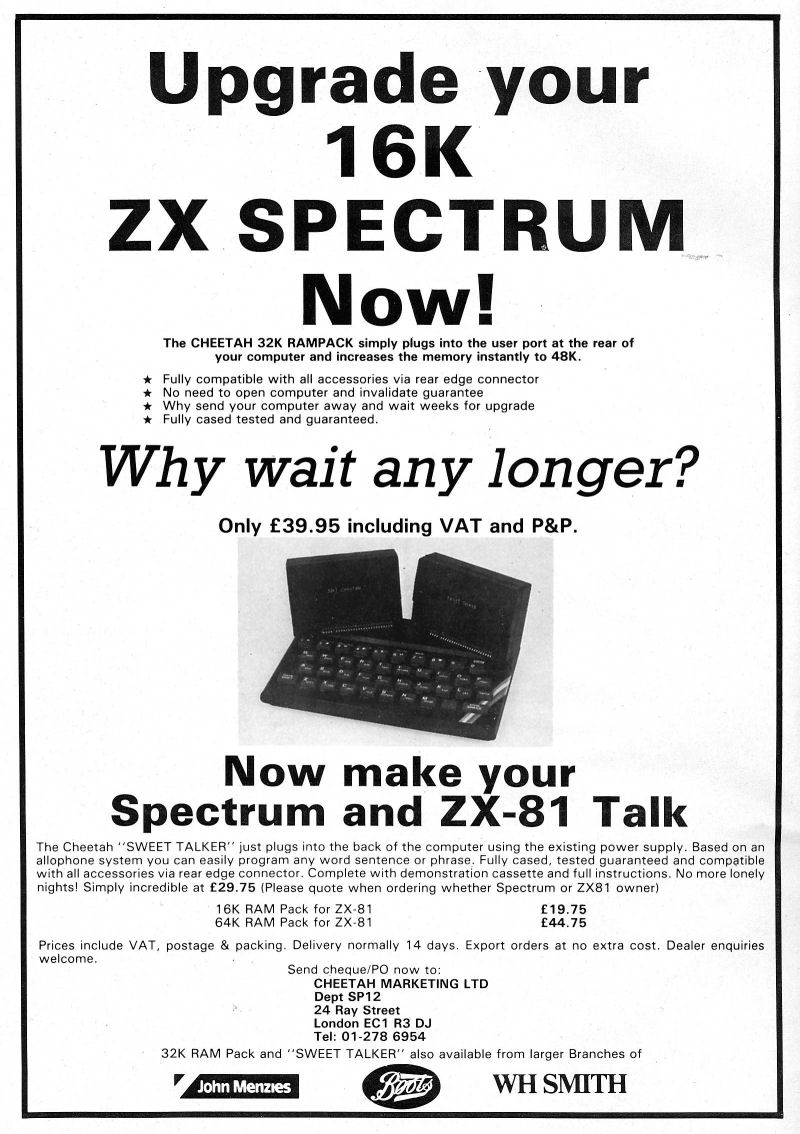
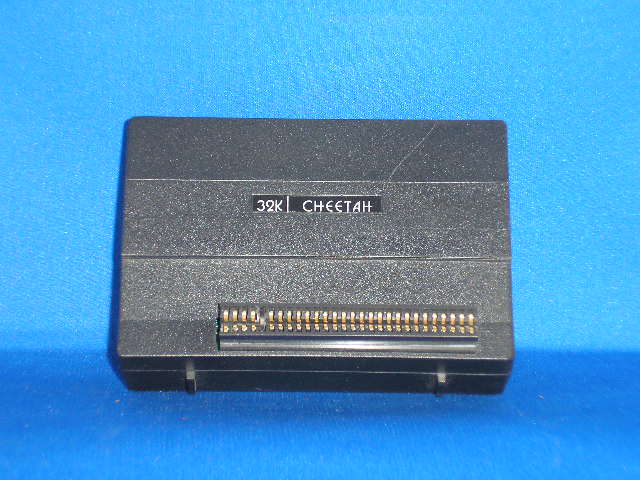
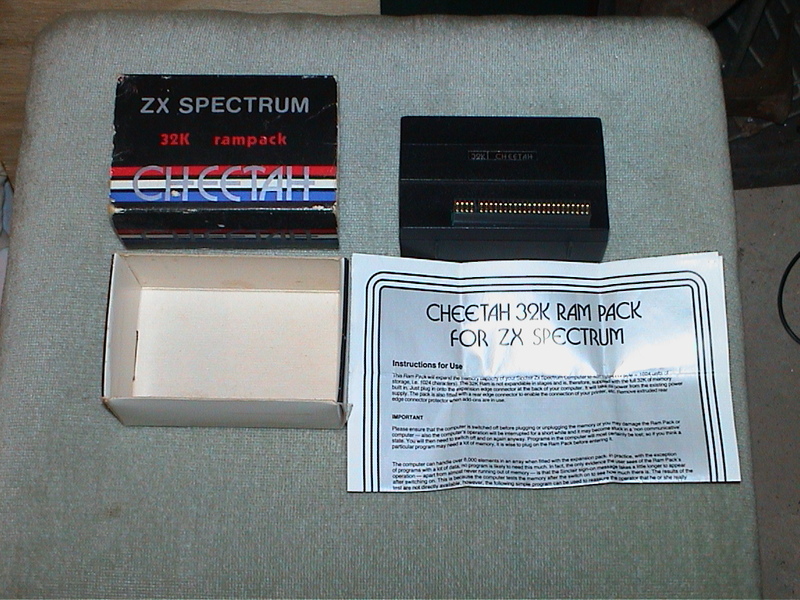
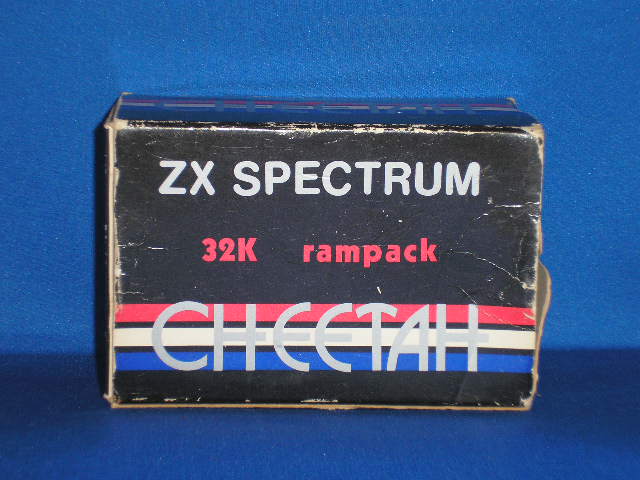
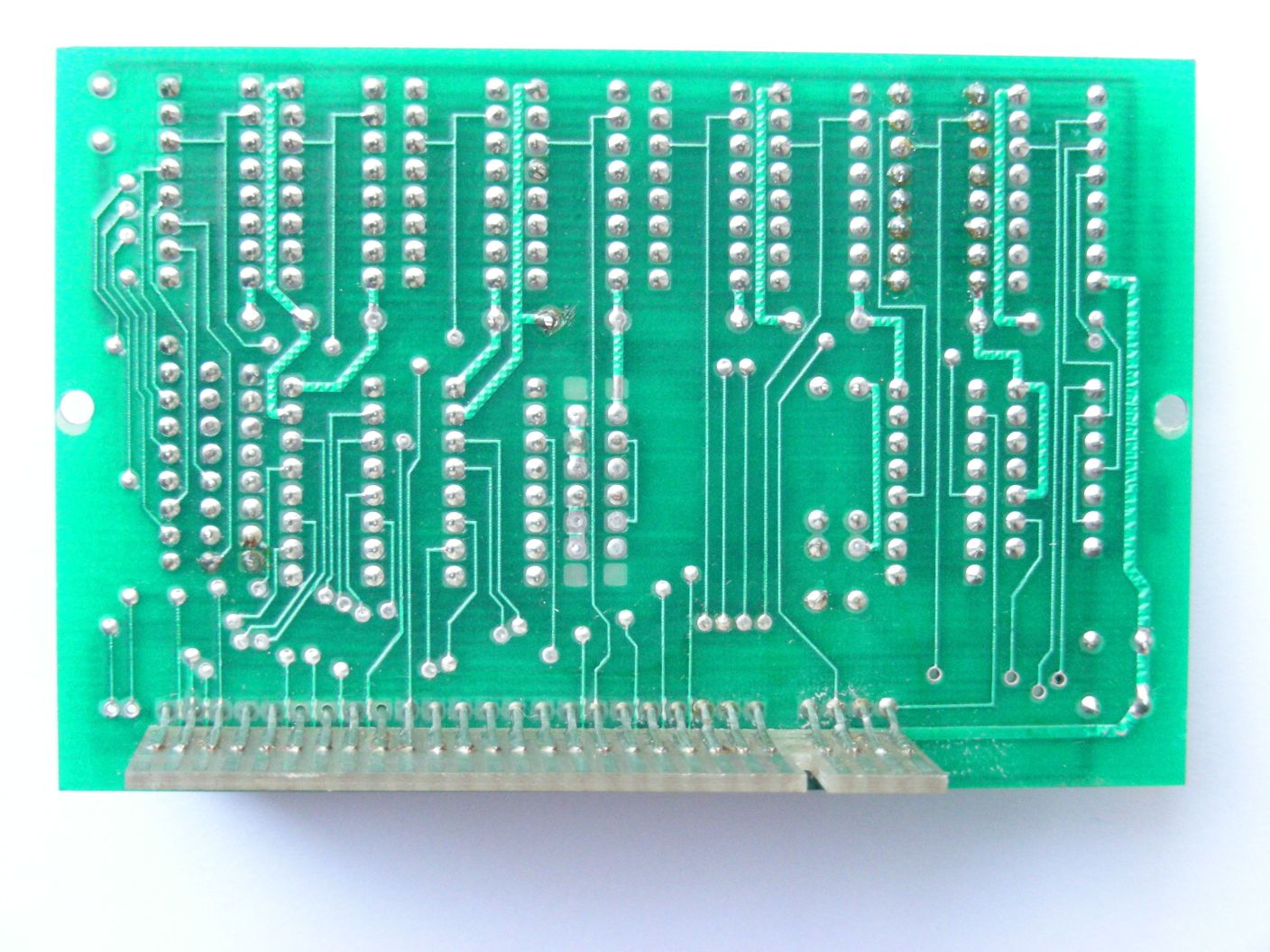
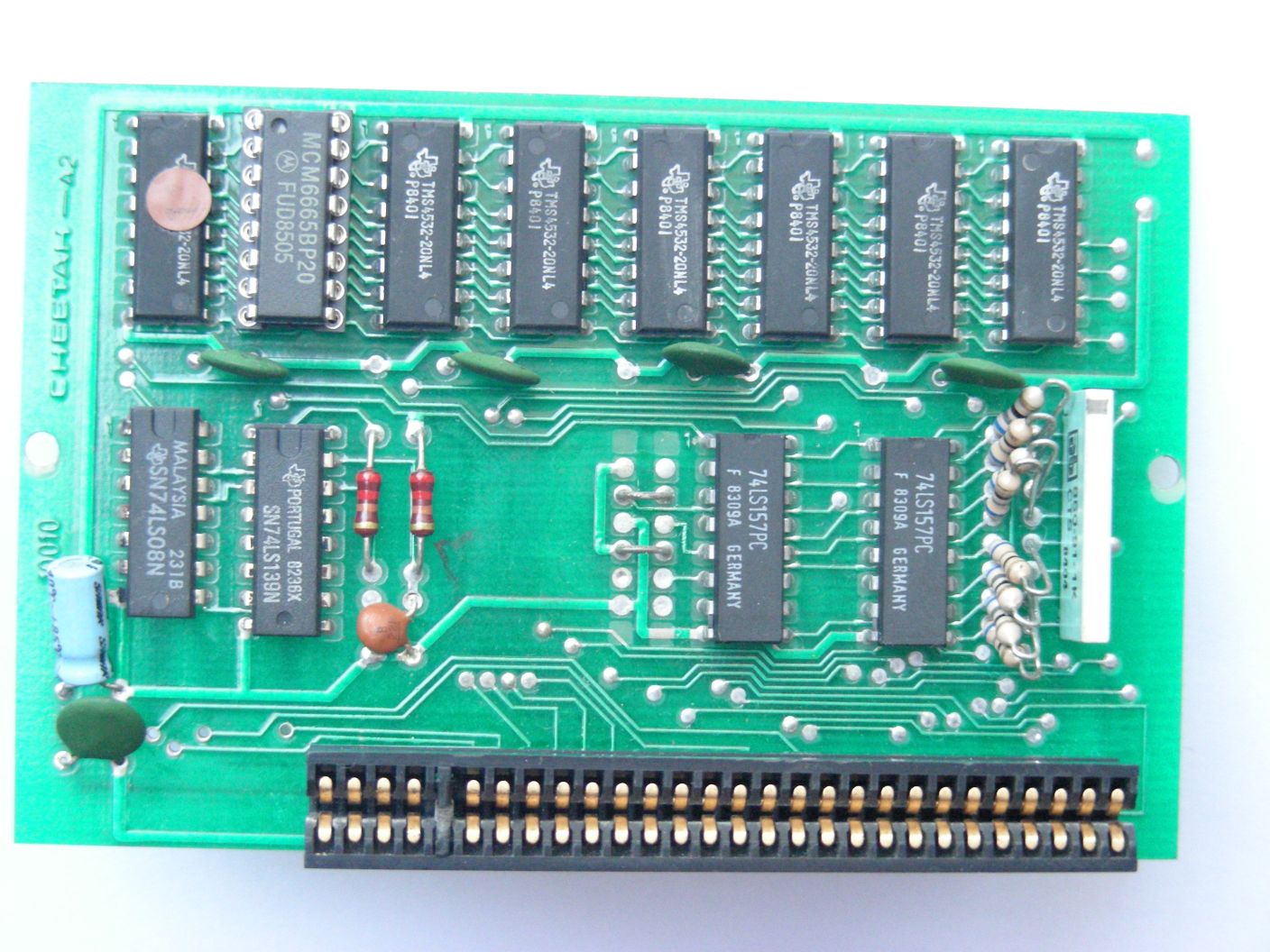
A RAM upgrade to 48K. Simply plugs into the rear connector and gives full 48K.
Discussion
Nobody has started a thread about this yet.
Files and rights
No permission is on record either way. Screens and pictures are copied here on a take-down basis: if you hold the rights and want something removed, say so and it goes.
In the magazines 104
Sinclair User #17Aug 1983 · p.43
Stephen Adams
SPECTRUM FINDS ITSELF AT FULL STRETCH Sinclair has been overtaken by other suppliers of upgrades. Stephen Adams reports. The Spectrum is in four basic forms. Model 1s which have two IC-type sockets into which a printed circuit board is plugged and model 2s which have all the RAM fitted on to the main printed circuit board. There are, of course, two types in each category, the 48K and the 16K. The 48K cannot be expanded, as all the existing memory space is covered with either ROM or RAM - all 64K of it. The ROM can be switched-out externally to add different ROMs using the ROMCS but the RAM cannot as there is no equivalent RAMCS. Therefore all memory expansions can be done only to the 16K models. As the computer already contains 16K of RAM, the top 32K of memory area - 32K-64K - is the only space to put it. Most memory expansions fill the space with 32K worth of RAM chips but the East London Robotics 64K add-on - the SP80 - has two sets of 32K RAM which can be switched in and out under a program instruction or from the keyboard. The kits consist of four memory-decoding chips, except model 1 versions where all the chips are soldered to a PCB, and eight 32K by one-bit chips. Those RAM chips are very sensitive to static electricity and warnings are included in all the instruction sheets. The way to handle them properly is not to remove them from their protective packaging until needed and to keep touching an earthed object such as a radiator or gas pipe occasionally to release the static charge. The static can be caused by nylon or wool in your clothing being rubbed. Putting-in the chips can be a little difficult and it is recommended that you check that the pins are straight before you insert them. The Fox Electronics kit has the pins already straightened. Also check that none of the pins is bent outside the socket or underneath the chip when you have finished. The best technique to use is to put all the pins on one side into the socket and then to pull the pins on the other side over the holes in the other side of the socket. Once both sets of pins are resting in the socket holes you can push down gently on the chip to push it into its socket. The instructions vary from a four-page, step-by-step meticulous description by Delta Research to one page just listing where the chips go by Fuller. Apart from the Fuller instructions all provided sufficient detail to allow you to know where each chip goes and what precautions to take. As part of its instructions Fox Electronics also includes a sheet showing how to tune the colour on a Spectrum to give better results. It also shows you how to tell whether it is the Spectrum or the TV set causing a problem. Sheets normally cost £1 from Fountain Electronics but are free with its RAM kit, along with a small Basic program to demonstrate the usefulness of 48K. The fitting of the Fox kit was the easiest but if you have problems you can send back the kit with the details of the Spectrum at any time in the following 12 months. East London Robotics will fit the chips at an extra cost of £7 by post or £3 by personal visit. Delta sends a memory test tape which checks all the memory by using a machine code program going through at least all the manufacturer's specifications. The tape can be used to keep an eye on suspect memory faults as it stops with an error which can then be sent back to Delta or Sinclair. The tape normally would cost £3.50 and is a really comprehensive test taking at least eight minutes. East London Robotics and Delta were the only model 1 boards we could test and both could be fitted easily with less trouble than the model 2. East London Robotics also does an SP80 kit which can provide 64K of memory in the same sockets as the SP48 (48K) fitted. That is achieved by having two separate banks of 32K, switched by an OUT instruction. That is possible only because of the 64K RAM chips which are used instead of the 32K RAMs and a massive modification of the decoding chips which plug into the Spectrum. No soldering is required but some care needs to be taken inserting the chips, as three of them are wired together using twisted insulated wire. A LED is also soldered on to one of the chips to indicate which bank is being used. The only problem is that you can see it only with the top off or looking through the edge-connector hole. The LED lights when it is in bank two and when the machine is turned on the light shows on bank one. The only problem with the SP80 is that the stack and any program running in it must be in the 16K of memory provided by Sinclair. If it was allowed to go into the top 32K it would be switched-out on the first OUT instruction and the program would have nowhere to go. Also the machine code stack for return addresses would have to be in the lower 16K area for the same reason. That leaves the user to develop a program which will be able to use banks of memory without having the convenience of Sinclair Basic to cope with it. Prices of the various kits are detailed, along with an indication of how good the instructions were, guarantee period and number of tests performed on memory after fitting. It is also possible to add a RAM pack on the back of the Spectrum. A Spectrum-type 32K RAM pack has been produced by Cheetah Marketing Ltd. It fits very snugly on the back of the Spectrum and because it is outside the case it does not matter if it is model 1 or model 2. It also has an extension piece on the hack so that you can plug in Microdrives when they arrive. The RAM pack has no known wobble in use and can be fitted very easily by plugging it into the expansion port. It costs £39.95. The alternative is to use a ZX-81-type RAM pack with an adaptor to give you another 16K or 32K. To use it you will require an adaptor. EPROM Services and myself both make adaptors for the 16K RAM pack. Mine can also cope with a 64K RAM pack to give a full 32K by changing a soldered strap on the board or ordering a 64K version. I also produce an Adam II which lets you have a 16K RAM pack on the back of the Spectrum but which also allows devices which used to work in the popular 8K-16K region to work in the 56-64K region of the Spectrum. All the adaptors mentioned cost £9. Of the RAM packs and kits reviewed. Fox Electronics for kits and Cheetah for RAM packs stand out as good value for money. Fox Electronics. [redacted]. Cheetah Marketing, [redacted]. East London Robotics, [redacted]. Delta Research - cheques to Servodata Ltd - [redacted]. Fuller Micro System, [redacted]. Eprom Services, [redacted]. Stephen Adams, [redacted].
Producer: Fox RAM: 32K Instructions: Good Model: 2 Guarantee: 12 months Tests: 1 Price: £24 Producer: ELR RAM: 32K Instructions: Good Model: 2 Guarantee: Tests: 1 Price: £23.65 Producer: Delta RAM: 32K Instructions: V. good Model: 1 Guarantee: Tests: >100 Price: £26 Producer: Delta RAM: 32K Instructions: V. good Model: 2 Guarantee: Tests: >100 Price: £26 Producer: Fuller RAM: 32K Instructions: Poor Model: 2 Guarantee: Tests: 1 Price: £23.65 Producer: ELR RAM: 32K Instructions: Average Model: 2 Guarantee: Tests: 1 Price: £23.65 Producer: ELR RAM: 64K Instructions: Average Model: 1 Guarantee: Tests: 1 Price: £50.65 Producer: E' RAM: 64K Instructions: Average Model: 2 Guarantee: Tests: 1 Price: £46.65
ZX Computing #8Aug 1983 · p.66
Cheetah Marketing Ltd have introduced a 32K RAM pack for the 16K ZX Spectrum allowing it to be upgraded to a fully fledged 48K machine. Its injection moulded case has been specifically designed to fit the contours of the ZX Spectrum thus hopefully eliminating the worries of the 'wobble'. The device is fully compatible with all Spectrum accessories. Now available on mail order, the RAM pack will soon be sold through selected retail outlets. All the devices are tried, tested and guaranteed, and are priced at £39.95. For further details contact Cheetah Marketing Ltd, [redacted].
Sinclair User #16Jul 1983 · p.23
Stephen Adams
SPECTRUM 32K RAMPACK Cheetah Marketing has produced a 32K RAM pack for the Spectrum. It allows the 16K user to add 32K of memory without having to go inside the computer. The front of the RAM pack is designed to fit tightly on to the back of the Spectrum and an expansion connector is provided at the back for Microdrives and printers. You must plug in the RAM pack only when the power is off. When you turn on the power again you have a full 48K just as if it was inside. The RAM pack does not wobble and apart from the fact that it protrudes over the back of the Spectrum, you would not know it was there. Cheetah gives only a three-month guaratnee and you must pay a handling charge of £1.50 if you return the unit for repair. Cheetah Marketing is at [redacted]. The cost of the RAM pack is £39.95.
Advert49
- Your Sinclair #1Jan 1986 · p.30
- Sinclair User1986 · p.119
- Sinclair User #45Dec 1985 · p.88
- Your Spectrum #21Dec 1985 · p.16
- Sinclair User #44Nov 1985 · p.15
- Your Spectrum #20Nov 1985 · p.52
- Your Spectrum #19Oct 1985 · p.7
- Your Spectrum #18Sep 1985 · p.10
- Your Spectrum #17Aug 1985 · p.10
- ZX Computing #20Aug 1985 · p.17
- Sinclair User #40Jul 1985 · p.16
- Your Spectrum #16Jul 1985 · p.6
- Sinclair User #39Jun 1985 · p.16
- Your Spectrum #15Jun 1985 · p.5
- ZX Computing #19Jun 1985 · p.17
- Sinclair User #38May 1985 · p.4
- Your Spectrum #14May 1985 · p.4
- Sinclair User #37Apr 1985 · p.4
- Sinclair User #36Mar 1985 · p.6
- Sinclair User #34Jan 1985 · p.24
- Sinclair User #33Dec 1984 · p.58
- Sinclair User #32Nov 1984 · p.115
- Sinclair User #31Oct 1984 · p.4
- Sinclair User #30Sep 1984 · p.106
- Sinclair Programs #23Sep 1984 · p.14
Full-page ad48
- ZX Computing #18Apr 1985 · p.22
- Your Spectrum #12Mar 1985 · p.43
- Your Spectrum #11Feb 1985 · p.22
- ZX Computing #17Feb 1985 · p.51
- Sinclair User1985 · p.86
- Your Spectrum #10Dec 1984 · p.18
- ZX Computing #16Dec 1984 · p.23
- Your Spectrum #9Nov 1984 · p.18
- Your Spectrum #8Oct 1984 · p.69
- Sinclair Programs #24Oct 1984 · p.4
- Your Spectrum #7Sep 1984 · p.19
- Sinclair User #29Aug 1984 · p.100
- Your Spectrum #6Aug 1984 · p.64
- Sinclair Programs #22Aug 1984 · p.19
- Sinclair User #28Jul 1984 · p.124
- Your Spectrum #5Jul 1984 · p.18
- Sinclair User #27Jun 1984 · p.44
- Your Spectrum #4Jun 1984 · p.19
- Sinclair Programs #20Jun 1984 · p.10
- Sinclair User #26May 1984 · p.94
- Your Spectrum #3May 1984 · p.28
- Sinclair Programs #19May 1984 · p.32
- Sinclair User #25Apr 1984 · p.130
- ZX Computing #12Apr 1984 · p.103
- Sinclair Programs #18Apr 1984 · p.6
Feature2
- ZX Computing #10Dec 1983 · p.99
- Personal Computing Today #1Aug 1983 · p.65
News/Note2
- ZX Computing #8Aug 1983 · p.66
- Sinclair User #16Jul 1983 · p.23
Reviews from people here
Sign in to write about this, or make an account. It takes a minute and lets you correct the catalogue too.
Everything ZXDB can hold about this is here.
Sign in to correct or add to this.
Hold the rights to this and want it taken down?