
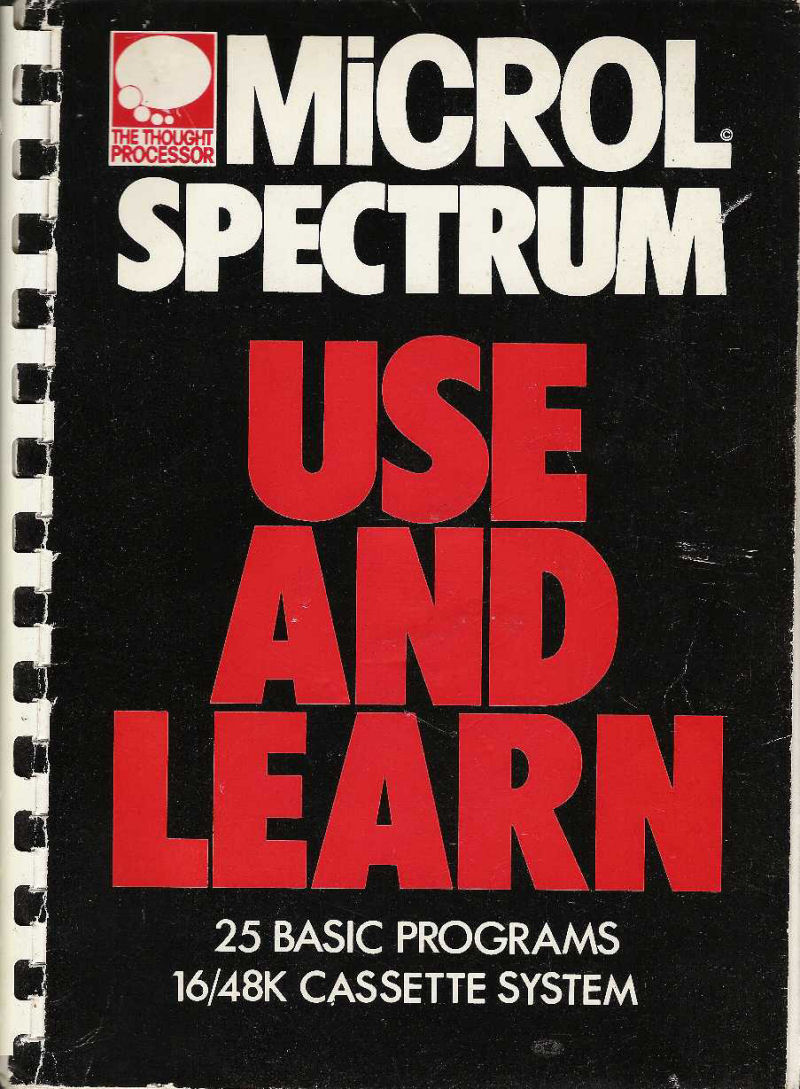
Use and Learn
Book: Spiral bound · English
MiCROL · 1982 · Pound sterling 9.95
MIA Missing in action. This is known to have existed, and no copy has ever been found. If you own one, the archives would like to hear from you.
Discussion
Nobody has started a thread about this yet.
Files and rights
No permission is on record either way. Screens and pictures are copied here on a take-down basis: if you hold the rights and want something removed, say so and it goes.
Credits
- Graham Ashercredited
Sign in to credit somebody, or say what these people did.
In the magazines 1
ZX Computing #6Apr 1983 · p.48
James Walsh
THE LEARNING PROCESS James Walsh studies the new software package from Microl for your ZX Spectrum Within a matter of months of the launch of the Spectrum the market had been invaded by books on BASIC programming, written by everyone from software houses to large publishing companies. It is not for me to comment disfavourably on the content of these books, partly as I cannot profess to having read them all, and because there have been no signs that they are not doing their job. But what has, up until now, been forgotten is that not everybody just wants to know how to write programs on the Spectrum, and yet they would probably soon get bored with only playing games. So this is what the Use And Learn book and tape from Microl is trying to remedy. The 25 BASIC programs in Use And Learn from Microl have been designed to demonstrate the wide ranging potential of the Spectrum, and in conjunction with the manual attempts to improve your programming skills (if that is what you want to do). The Microl package is an excellent way of introducing someone to computers without necessarily baffling them with jargon. For each of the programs there are three sections in the manual: The instructions - which contain clear and precise directions for the use of the programs. The discussion - which takes you through the structure and interesting points of the program, without actually trying to teach you to be able to copy the program line by line. Any jargon that is used is very carefully and clearly explained. This is something that a lot of books fail to do. The listing - is also included, so that if you want to look more closely at the program, you can. Selling a cassette with a book is not completely new (though very few people have done it) and it is a great asset to most users, as the idea of typing long programs in is often daunting and mistakes can easily occur. Quite surprisingly the so-called 'manual' could quite easily be sold on its own as a complete book because of the comprehensive way in which it is set out. Here are a couple of important examples of just how thorough Microl have been when preparing this package. Because many of the programs use data as part of the program, instructions have been given so that you can expand upon these if you have a 48K machine. Also, where information is stored in arrays, they have arranged for the arrays to be automatically dimensioned to suit the memory size of the Spectrum in use. Though the programs on the cassette are not world beating, in that you would not expect to buy them individually, due to the way in which they have been structured and the things that they do, they are not only interesting for a newcomer but also likely to be re-used as time goes on in conjunction with other programs, and to aid programmers in other projects. To do justice to each individual program rather than the book as a whole, I shall give a brief description of each one. ONE BY ONE Music allows you to compose and play your own tunes using the screen as a piece of manuscript paper. Positioning of the note is done by moving a yellow cursor up and down the stave. Other operations can also be done via the keyboard and are displayed on the screen. A couple of limitations are that no note shorter than a quaver is allowed, and there is only one length of rest, but apart from that it is great fun to use. Sentences can only be described as a 'fun' program which generates random sentences on the screen from an internal grammar and vocabulary. Atlas draws three maps on the screen: the British Isles, Europe and the World. Though this is quite fun, they are far from accurate. Star Atlas holds 26 constellations on file, which you can either call up as you would do in a reference book, or it can display an unnamed constellation for you to identify. Convert converts numbers between decimal, binary and hexadecimal. This is a well-designed and useful program though it gets rather inaccurate when you try to convert really enormous numbers. Clock shows the time on the screen. Boring on its own, but could be integrated into another program and serves well as a demonstration. Computer Terms Glossary holds the explanations for a range of the most-used computer terms. It is easy to use and particularly useful to the newcomer. Tapefile is a very simple Database-type of program which can be used to catalogue any kind of cassette. Puffball is a simple but fairly addictive game in which you have to race against time to destroy the nine 'digital puffballs' in the correct order. Tank is again simple, but is far from easy and is particularly addictive. Sorts is comprised of three different types of sorting programs which have been arranged for use in your own programs, and with the built-in timing routine you can compare their different speeds. Binsesach is a good binary search routine. Text Editor allows you to manipulate text on the screen either by keyboard instruction or via a string which has already been entered into the program. Screen Designer allows you to make screen layout easily onto the screen and juggle them around before the computer turns it into a finished PRINT statement. Workbox is a useful program to aid the design of user defined characters, which is likely to be useful for any program in which you are going to use UDGs. This program is often invaluable as an aid to better graphics work. Graph Drawing Routines comprises three programs which have the same general structure; they are: Pie Chart, Bar Chart and Graph. These are another three programs which are likely to be useful and not only within the confines of computer programming. Memory Map Monitor is only really a one-line program which allows you to test to see how much memory you have left. Through this is an easy routine for a reasonably experienced programmer to write, it would not be so for the beginner. RAM Test checks that all the memory used by the BASIC is working OK. Addictive Addition is a program to test your basic arithmetic skills; not really that addictive, but what do you expect from maths? Parachute is a simple game designed to appeal to the younger age group. The idea is to jump out of an aeroplane and open your parachute at the right time to hit the target... Fun! Codebreaker is a game in which you have to decipher a encoded message. Not the most exciting game, but the large vocabulary makes up for it. CONCLUSION Use And Learn is a very professionally produced package. It does the job set out very well and is fantastic value for money, especially for somebody who either wants to further their programming or just wants to know what a computer can do and not necessarily how. At £9.95, this is very highly recommended indeed, it is available from: TEMPUS, [redacted]
A random graph from the Graph Drawing Routines program.
An explosive end to the game, Puffball.
Making 'ZX' into a user-defined graphic, the Workbox way.
Two random charts from the Graph Drawing Routines program.
Programs listed in this book
- Codebreaker
- Deflector
- Music Composerp.54
- Star Atlasp.65
- Convertp.68
- Tapefilep.76
- Digital Puffballsp.80
- Workboxp.100
- Bar Chartp.114
Reviews from people here
Sign in to write about this, or make an account. It takes a minute and lets you correct the catalogue too.
No description recorded.
Sign in to correct or add to this.
Hold the rights to this and want it taken down?