
Art Master
Utility: Graphics · ZX-Spectrum 48K · 1 players · English
Summit Software [1] · 1987 · Pound sterling 9.95
Discussion
Nobody has started a thread about this yet.
Play
- ArtMaster.tzx.zipTape image English15 KB
- ArtMaster.tap.zipTape image English8 KB
Documents
- ArtMaster.zipInstructions English40 KB
- ArtMaster(EN).pdfInstructions English1,091 KB
Files and rights
No permission is on record either way. Screens and pictures are copied here on a take-down basis: if you hold the rights and want something removed, say so and it goes.
Credits
- Stephen M. Reedercredited
Sign in to credit somebody, or say what these people did.
Scores
Elsewhere on the web
- WorldOfSpectrum 1 votes2.00
In the magazines 4
ZX Computing #37May 1987 · p.18
Carol Brooksbank
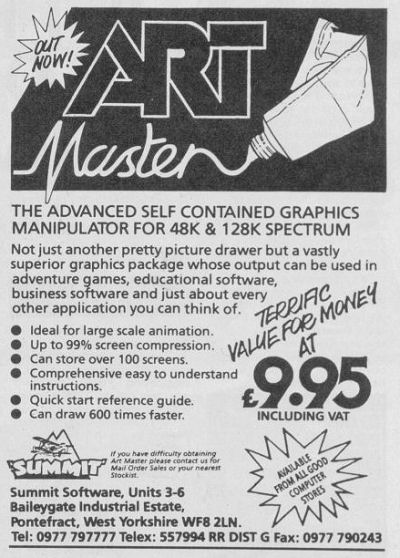
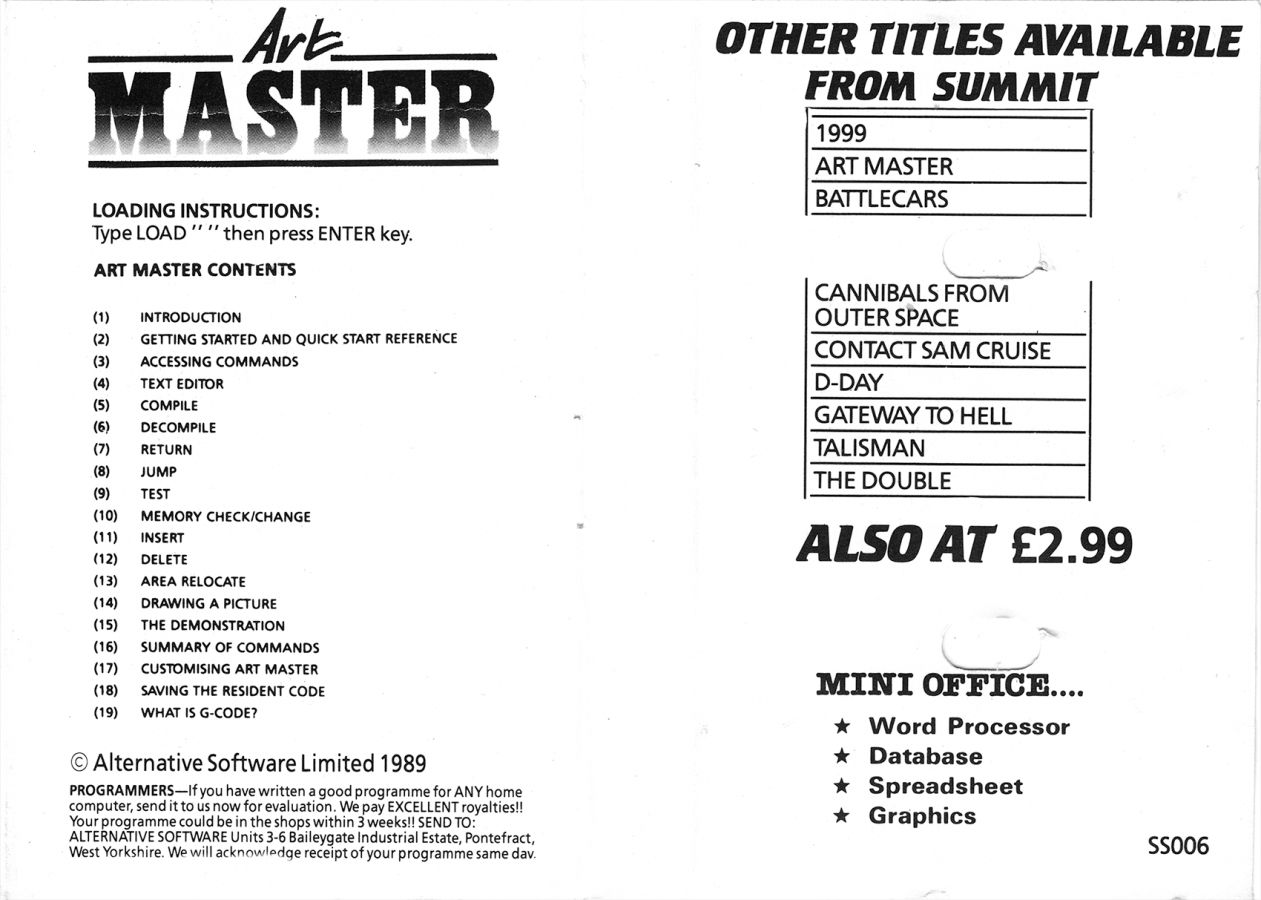
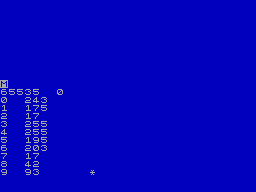
CAROL BROOKSBANK LOOKS AT A NEW GRAPHICS UTILITY Summit Software £9.95 This new screen art program for the Spectrum is a rather unusual mixture of graphics package, extended BASIC and compiler. When the program loads, the screen is blank except for a white asterisk, showing that you are in the mode which offers a choice of ten options, all accessed by pressing the appropriate letter key. A menu would have been a nice touch here, saving the constant reference back to the handbook to discover which keys are which. The option to choose if you want to draw a picture is the Text Editor, which appears to return you to BASIC. However, it is not the ordinary Spectrum BASIC but a special one which offers three extra commands - auto line numbering, renumber and edit. The BASIC commands for drawing your picture have to be entered as REM statements, and the auto line numbering gives you line numbers in your chosen step followed by REM. Some of the commands are very similar to ordinary BASIC ones - plot, draw, circle, border - but there are also also new ones such as box, triangle arc, window, fill copy (copies the window to another part of the screen) and flipl and flip2 {mirror the window vertically or horizontally). Most of these commands are followed by co-ordinates, either pixel or character square. Commands can be written out in full, or abbreviated to the shortest number of letters which will identify them. (P for plot, but CI and CO for circle and copy). Colour is handled by the ATTR command, followed by four numbers, for ink, paper, bright and flash. MASK, followed by two numbers, handles over and inverse. There are ten fill patterns supplied, and you can redefine them, or add more if you wish. CALL and JUMP instructions, similar in operation to GO SUB and GO TO, are available, but you have the choice of using labels or line numbers. MEMORY SAVING Writing the program to draw a screen is very similar to using the ordinary BASIC commands, but when it is complete, you return to the main program and select the compiler option. You are prompted for a start address, and this will be the address to call to draw your picture on screen. Syntax is not checked while the program is being written, so syntax errors stop the compiling with an error message 'Mistake in line...' When the compiling is complete, the final address used is given. This is where you see the program's great advantage. The compiled code for the cat picture uses just 176 bytes. You can store more than 5 screens in 1K of memory. This is far more than you could possibly store using any other screen compressor I have come across. But of course, there is a price to pay. The compiled code - Gcode - runs much faster than ordinary BASIC but it is still BASIC. It takes 16 seconds for the cat screen to be drawn, and you can see each line and curve appearing. But still, careful use of windows, and minimal use of shape filling can make the drawing time acceptable and it is even possible, by flipping and copying windows, to do some rudimentary screen movement. The Gcode can be relocated or modified, and there is a test mode which executes each command separately and gives the address trace. The code can also be decompiled, when you find that your listing has been reduced to the shortest abbreviations, renumbered to give steps of 5, and all labels have been removed and replaced by absolute addresses. There is no problem about compatibility with storage systems or printer interfaces because all saving, loading, screen dumps, etc are done from BASIC. The only snag is that you have to make sure you are in ordinary BASIC not the Editor variety. The handbook gives a simple test, but it is very easy to forget which one you are in, and attempting to save, load or copy, initialise your interface or even call the code to run your picture, from Editor BASIC will crash the program. This program is not going to make you throw away your copies of Art Studio or Artist II. It feels a rather primitive way of making screens while you are using it, especially because you need to plan your design on graph paper beforehand to work out all the co-ordinates involved. But it is a very handy program to have up your sleeve when you want to use a lot of screens and memory space is tight.
Drawn with the Art Master using 176 bytes.
Advert3
- ZX Computing #37May 1987 · p.15
- Sinclair User #61Apr 1987 · p.43
- ZX Computing #36Apr 1987 · p.13
Reviews from people here
Sign in to write about this, or make an account. It takes a minute and lets you correct the catalogue too.
No description, tag recorded.
Sign in to correct or add to this.
Hold the rights to this and want it taken down?