
HiSoft Pascal 4
Programming: General · ZX-Spectrum 48K · 1 players
HiSoft · 1983 · Pound sterling 25.00 · Pound sterling 19.95 budget · Pound sterling 29.00 disk
Also known as CS Pascal (English), Pascal kompilator (English)
(DigilogSoftware)_GameAddMat.jpg)
(DigilogSoftware)_GameAddMat_2.jpg)
(DigilogSoftware)_GameAddMat_3.jpg)
(DigilogSoftware)_GameAddMat_4.jpg)
(DigilogSoftware)_GameAddMat_5.jpg)
(DigilogSoftware)_GameAddMat_6.jpg)
(DigilogSoftware)_GameAddMat_7.jpg)
(DigilogSoftware)_GameAddMat_8.jpg)
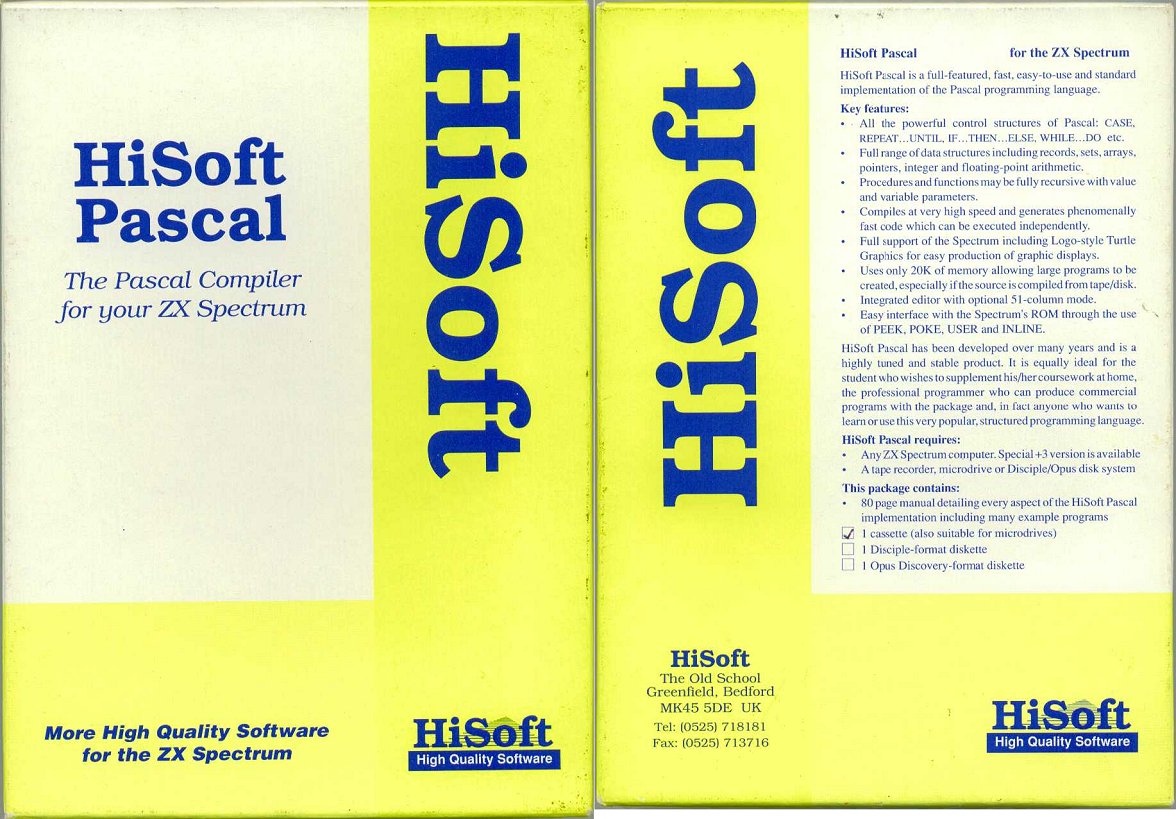
(DigilogSoftware)_Front.jpg)
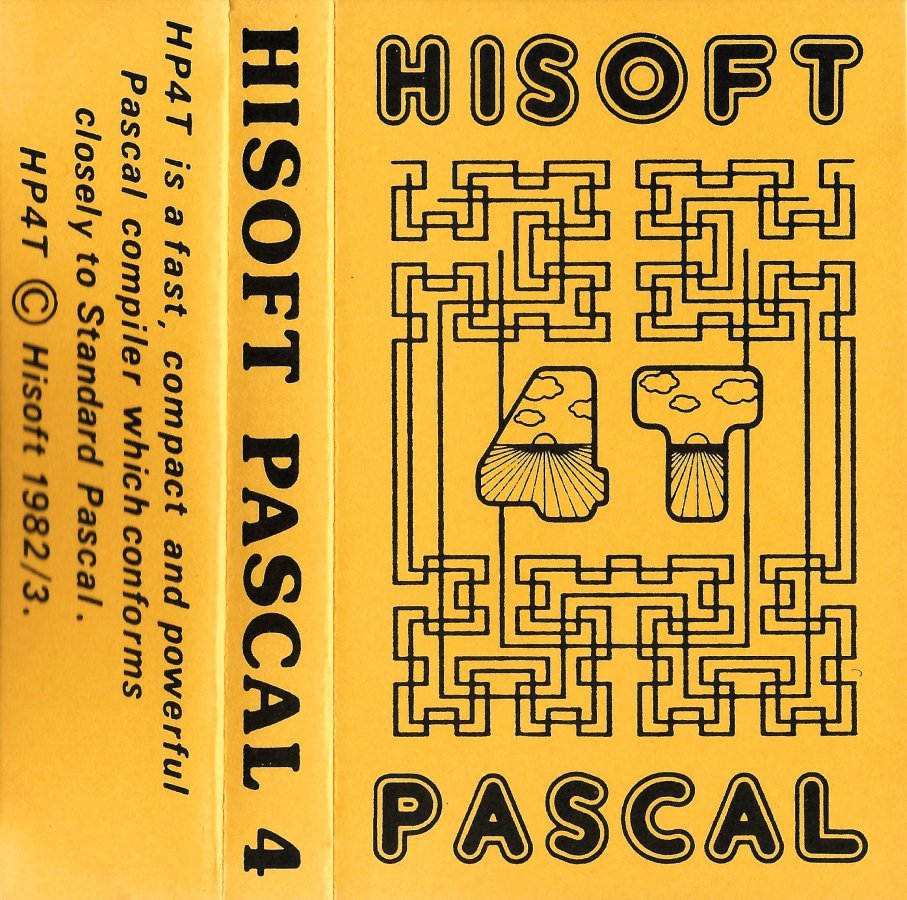
(ElettronicaCS).jpg)
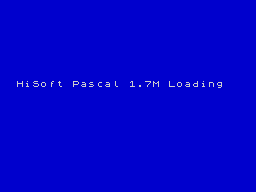
(ElettronicaCS).png)
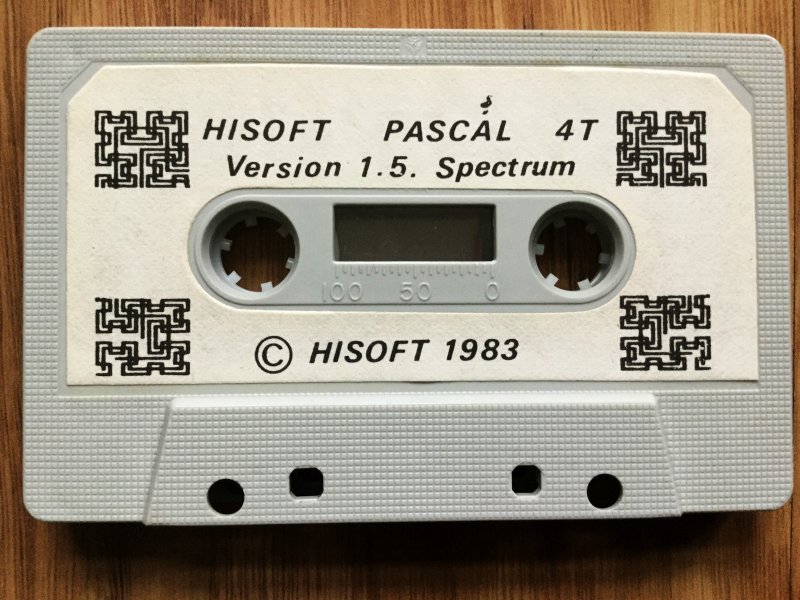
(DigilogSoftware)_Media.jpg)
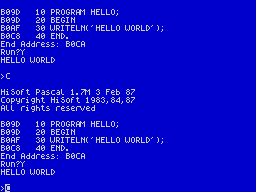
Discussion
Nobody has started a thread about this yet.
Releases
- 1983HiSoftPound sterling 25.00 · Pound sterling 19.95 budget · Pound sterling 29.00 disk
- 1983Elettronica CS Sold as CS Pascal
- 1983VentamaticSpanish peseta 6000.00
- 1983Digilog Software Sold as Pascal kompilator
Play
- HiSoftPascal4V1.7D.mgt.zipDisk image English28 KB
- HiSoftPascal4.dsk.zipDisk image English34 KB
- HiSoftPascal4.opd.zipDisk image English22 KB
- HiSoftPascal4(PascalKompilator)(DigilogSoftware).tzx.zipTape image English16 KB
- HiSoftPascal4V1.6M(Ventamatic).tzx.zipTape image English19 KB
- HiSoftPascal4(CSPascal)(ElettronicaCS).tzx.zipTape image Italian17 KB
- HiSoftPascal4V1.7M.tap.zipTape image English19 KB
- HiSoftPascal4V1.6M.tap.zipTape image English19 KB
- HiSoftPascal4V1.5M.tap.zipTape image English27 KB
- HiSoftPascal4V1.5.tap.zipTape image English16 KB
- HiSoftPascal4.tap.zipTape image English16 KB
- HiSoftPascal4V1.7M.tzx.zipTape image English21 KB
- HiSoftPascal4V1.6M.tzx.zipTape image English18 KB
- HiSoftPascal4V1.5M.tzx.zipTape image English16 KB
- HiSoftPascal4V1.5.tzx.zipTape image English16 KB
Documents
- HiSoftPascal4(EN)V1.5MDevpacV3.pdfInstructions English1,276 KB
- HiSoftPascal4(EN)Sound-Graphics.pdfInstructions English264 KB
- HiSoftPascal4(EN).pdfInstructions English6,876 KB
- HiSoftPascal4TV1.6M+DevpacV3.2M-MicrodriveVersion.pdfInstructions English2,218 KB
- HiSoftPascal4T.txtInstructions English117 KB
- HiSoftPascal4(PascalKompilator)(DigilogSoftware)(SV).pdfInstructions Swedish3,582 KB
- HiSoftPascal4T_French.pdfScanned instructions French1,432 KB
Files and rights
Distribution permission is on record, granted to another archive rather than to this one. Screens and pictures are copied here; everything else links to the archive that holds it.
- AllowedVentamatic → WorldOfSpectrum
Scores
In the magazines
- Personal Computer News #41983 · Overall Value4/5
Elsewhere on the web
- WorldOfSpectrum 2 votes7.50
In the magazines 152
ZX Computing #8Aug 1983 · p.71
David Bolton
How would you like to write programs in a language very much like BASIC and then run them at machine code speeds? It is now a very practical suggestion with the release of a full Pascal compiler for the 48K ZX Spectrum by the British company Hi-Soft. Before I look at the Spectrum version, let me give you a little history of Pascal. It is a very young language, born in 1969 when a leading computer scientist called Wirth decided that ALGOL, the then leading academic language, was getting too complex. He designed Pascal specifically to teach good programming practices. It is now available in many forms on disc-based machines, but there are very few implementations on cassette driven micros. Pascal is very similar to BASIC in many ways, certainly much closer than languages like FORTH, LISP, assembly or PILOT. It is generally a much better language. This version of Pascal is a very high quality product comprising some 20K of machine code for the compiler, editor and run-time package. It completely compiles a Pascal program into Z80 machine code which runs very fast indeed. Try filling an array of 7,000 elements in half a second, or summing up the numbers one to 20000 in seven! Obviously one could write faster programs using an assembler, but try assembling A = LOG(SIN (B/180 * 22/7) - 10.45) - 8/2.2234! When the compiler package is loaded it starts in the editor, allowing the programs to be typed in, or loaded from tape. Hi-Soft have been very cunning with their editor as it completely bypasses the Spectrum's single-key entry system. Programs are entered line by line just like BASIC with a line number at the start of each line: 10 PROGRAM DAVE; 20 VAR I,J:INTEGER; 30 BEGIN 40 J: = 0 ; FOR i: = 1 TO 100 DO 50 J: = J + 1; 60 WRITELN ('J = ', J:5) 70 END. The line numbers are at the start of each line for purposes of the editor only, they have no bearing on the program. Commands are included to do the equivalent (in BASIC) of AUTO, DELETE and RENUMBER as well as searching and moving. There is also quite comprehensive commands involved with line editing which can do find, insert, replace and delete on one line. Overall, the editor is not as good as a screen editor, but it is the next best thing and for anyone used to Sinclair editing it is a significant improvement. The editor only changes the 'Source code', ie the program as it looks above. Once a program has been compiled into machine code (or object code as it is known) it can only be changed by changing the source code and re-compiling. Source code can be saved onto tape and it's quick to do so because Hi-Soft uses tokens (just like BASIC) to represent reserved words, eg PROGRAM and iNTEGER only occupy 1 byte each in internal storage. When source code is loaded into RAM it appends onto the end of any existing code; this makes the creation and use of libraries much more convenient. One problem with the editor is that there is no keyboard beeping. I tried unsuccessfully to get it to work, even writing a short program to POKE 23609 with 255, but to no avail. As soon as I exited from Pascal to BASIC the beeping started working again. Compilation is the process which converts source code to object code. There are two ways of doing this in Hi-Soft Pascal: the first is for debugging purposes, and keeps both source code and object code in RAM at the same time to speed up the EDIT-COMPILE-TEST cycle. When testing is complete the specially compiled object code can be dumped out to tape so that it will automatically LOAD and RUN as a stand-alone program. If a syntax error is discovered during compilation then the choice is given of stopping and going into the editor at the faulty line, or listing other errors. Pascal is typical of compiled languages in that one error early on can generate lots later. Compiling is a very quick process, but it will be slowed down if the compiler provides a listing at the same time. The Spectrum 'write character' routines are not terribly fast, so if the compiler listing is disabled then the compilation takes place in a short period of time and instantaneously for small programs. There are seven compiler options which determine whether or not certain checks will be incorporated into the machine code. They check such things as overflow in integer addition/subtraction, or checking if array references go out of bounds. The idea of these checks is to include them while testing and debugging and then remove them in the finished program. Some of the other options are used to control compiler listing or printing. Tape and I/O facilities are included for the program to store variables on tape and read them back in. It is non-standard for Pascal but is very powerful as just one statement can write out or read in any variable from one character up to a very large array. The I/O ports used on the Spectrum can be read and written to by use of the INP function and the OUT procedure. A statement similar to INP, I (OUT(X,C) is used to output a character byte C to port X. Statements and functions are included to allow reading from and writing to RAM. Again non-standard for Pascal, these are taken from BASIC and are PEEK and POKE. Both are much more versatile than their BASIC equivalents as they can work with single characters up to entire arrays. For example, POKE (£AOOO, 'DAVID BOLTON') will deposit 12 characters in RAM from A000 onwards. As well as the statements described above, there are a couple of features which are useful for the machine code programmer. INLINE is a statement which permits machine code to be directly embedded into the Pascal program. It is followed by a list of decimal or hexadecimal integers which represent the machine code. USER is a function which is similar to BASIC'S USR, and permits calls to machine code routines external to the program. For example with the Spectrum, there are lot of useful ROM calls which can be incorporated into programs. Note that addresses can be also given in hexadecimal form; this is a more useful representation than decimal for integers, because any integer higher than 32767 must be given in negative form. This is a very impressive product, and certainly one that could be of benefit to any Spectrum programmer once he/she has mastered BASIC and wants to advance. The compiler is fast at its job and produces very quick machine code, and together with the ability to have machine code incorporated in the program should mean that there are not tasks which are better done in assembler than Pascal. Naturally there are some negative aspects, nothing's perfect, but I consider them fairly minor. Apart from machine code speed, integer and real arithmetic, better data structuring, recursive procedures and functions, there is also for matted output where you can specify how numbers are written out, with rounding. For the price of £25 you get the complete compiler/editor and a 60 page reference manual. This is not a teaching manual, so if you are unfamiliar with Pascal I would recommend purchase of a good book. The manual mentions a few at the back.
Personal Computer News #4Apr 1983 · p.555/53/55/54/53/54/54/5
Features 5/5
Presentation 3/5
Performance 5/5
User Interface 4/5
Reliability 3/5
Overall Value 4/5
David Janda 4/5
NAME: Hisoft Pascal 4T Compiler APPLICATION: Pascal Programming SYSTEM: Spectrum 48K PRICE: £25 PUBLISHER: Hisoft FORMAT: Cassette LANGUAGE: Z80 m/c (source) OTHER VERSIONS: None OUTLETS: Hisoft, Swindon [redacted] COMPILE WITH ME... David Janda looks at a Pascal compiler that brings structured programming to the Spectrum. Hisoft's' Pascal 4T compiler is both a Pascal compiler and a screen editor for the 48K Sinclair Spectrum. The advertising blurb for it says, 'now you and your children can learn to program in an efficient and structured way by using Pascal...' Of course, there's more to structured programming than just using a structured language, but Spectrum owners who realise the limitations of Sinclair Basic should still welcome the chance to program in a modular fashion. It's a chance to switch to a compiled language which is really very different from Basic. This short but typical Pascal program illustrates this. PROGRAM DEMO; VAR I : iNTEGER; BEGIN FOR I := i TO 10 DO WRITELN(I,'Personal Computer News.'); END. The HP4T package contains a screen editor for the Spectrum. This editor is not a separate file; it is part and parcel of the compiler. Its purpose is to allow you to enter and correct source code before compiling it. The editor is line-oriented, so each line of Pascal must be preceded by a line number - numbers are either generated for you, or you may type them in. When HP4T is loaded from tape, the editor is entered automatically. You have 16 commands including those allowing you to enter text, display, SAVE, and LOAD it. More commands allow you to RUN your compiled program or alter a line of text. You can SAVE the object code on cassette and then RUN the program later without needing to have the compiler present in the Spectrum. This is done by the compiler SAVEing the run-time system just before the program itself, which is SAVED in a special tape format. You can also SAVE the Pascal source code onto tape, and this will allow you to build up a large program over a period of time. The Pascal itself is a subset of the original Jensen and Wirth-defined language, with a number of extensions. Original Pascal has no commands like PEEK and POKE to access the system's memory, but they are included in HP4T. There is also INCH, which causes the keyboard to be scanned, and ENTER, which is similar to Basic's INT function. And the compiler will support the Sinclair ZX printer. HP4T does have some limitations. Files cannot be supported, since file handling is difficult on cassette. This could, however, be remedied when the Sinclair microdrive arrives. Passing FUNCTIONS and PROCEDURES as parameters is also not allowed, and many Pascal programmers will miss this sorely. PRESENTATION The 60-page manual that comes with the package is quite comprehensive. Notes in the front detail the implementation-dependent features of this package, then the main section describes Pascal language features such as syntax, functions and procedures. I found it a little vague in places. IN USE The compiler executes automatically as soon as you LOAD it. It then asks you: 'TopofRAM?', 'topofRAMfor'T'?'. and 'Table size?'. These questions are a little daunting at first, but the manual does warn you about them. If you simply hit the return key to answer each one, the compiler sets default values. The editor is now automatically invoked. I found it quite good, and any illegal commands I tried to enter result in a message of 'Pardon?' You can use the editor to enter your program, then enter a command to compile it. If your source code contains any errors, the compiler stops and displays "ERROR", followed by an upwards arrow pointing at the offending piece of code. There are no messages describing what type of error you have made, but an error number allows you to look it up in the manual. Error messages will appear during RUNning if, for example, you don't have enough memory. The package itself is very flexible. If you don't like the text editor, you can always use your own to create and alter source code. You can reset the top of RAM to allow you to add extensions to the compiler, or to store machine code programs to be RUN from Pascal. It is also very fast, and this will be one of the main attractions as far as many people are concerned. I did a test count from 1 to 10000, and this was completed in less than a second. This is a lot faster than Sinclair Basic. RELIABILITY The compiler turned out to be very robust indeed. My first attempt to crash the system while LOADing the compiler failed miserably. So did attempts to enter bad data to editing commands. The documentation gives details of how to re-enter the compiler should you accidentally enter to Basic. Nevertheless, two problems did creep up occasionally. When listing the source-code the machine would sometimes 'hang up' resulting in me having to reset the machine. And although you should have the option to carry on compiling when the compiler comes across an error, this option didn't always work and resulted in a reset. I also found that some programs I SAVED to tape failed to LOAD, despite my changing tape recorders. I think this is due to the format in which the compiler SAVES object-code programs. VERDICT HP4T Pascal provides the Spectrum user with the ability to program in another language besides Basic - that must be good. This version is faithful to the original and you will therefore have few problems moving on to another Pascal system. However, the price does seem a little high.
A typical Pascal syntax diagram - this one maps out the ways in which you can use Pascal's wide range of data types.
Advert140
- Your Sinclair #26Feb 1988 · p.89
- Your Sinclair #25Jan 1988 · p.41
- Your Computer #12Dec 1987 · p.73
- Your Sinclair #24Dec 1987 · p.20
- Your Computer #11Nov 1987 · p.68
- Your Computer #10Oct 1987 · p.47
- Sinclair User #60Mar 1987 · p.94
- Sinclair User #59Feb 1987 · p.83
- Sinclair User #58Jan 1987 · p.70
- Sinclair User #57Dec 1986 · p.77
- Popular Computing Weekly #51Dec 1986 · p.81
- Sinclair User #56Nov 1986 · p.90
- Popular Computing Weekly #44Oct 1986 · p.39
- Your Sinclair #9Sep 1986 · p.76
- ZX Computing #28Aug 1986 · p.41
- Your Sinclair #6Jun 1986 · p.76
- Your Sinclair #3Mar 1986 · p.25
- Your Sinclair #2Feb 1986 · p.87
- Your Sinclair #1Jan 1986 · p.111
- Your Computer #12Dec 1985 · p.114
- Sinclair User #44Nov 1985 · p.114
- Your Computer #11Nov 1985 · p.101
- Your Spectrum #20Nov 1985 · p.22
- Sinclair User #43Oct 1985 · p.105
- Your Computer #10Oct 1985 · p.78
Feature3
- Crash #54Jul 1988 · p.70
- MicroHobby #150Oct 1987 · p.25
- Your Computer #10Oct 1983 · p.77
News/Note3
- Crash #53Jun 1988 · p.8
- Home Computing Weekly #41Dec 1983 · p.36
- ZX Computing #8Aug 1983 · p.68
Offer1
- Popular Computing Weekly #24Jun 1986 · p.22
Review1
- Popular Computing Weekly #27Jul 1984 · p.20
Letters1
- Your Computer #11Nov 1983 · p.52
Full-page ad1
- Personal Computer News #15Jun 1983 · p.21
Related
- Ports
- (Amstrad CPC), (MSX)
- Elsewhere
- Centre for Computing History
- Same entry at
- Spectrum ComputingZXInfo
Reviews from people here
Sign in to write about this, or make an account. It takes a minute and lets you correct the catalogue too.
No language, credit, description recorded.
Sign in to correct or add to this.
Hold the rights to this and want it taken down?