
Ollie Octopus' Sketchpad
General: Education · ZX-Spectrum 16K · 1 players · English
Storm Software [1] · 1983 · Pound sterling 6.95
Discussion
Nobody has started a thread about this yet.
Remarks
Came with a free Ollie Octopus badge.
Play
- OllieOctopusSketchpad.z80.zipSnapshot image English5 KB
- OllieOctopusSketchpad.tzx.zipTape image English5 KB
Files and rights
No permission is on record either way. Screens and pictures are copied here on a take-down basis: if you hold the rights and want something removed, say so and it goes.
In the magazines 8
Personal Computer News #48Feb 1984 · p.50
Colin Cohen
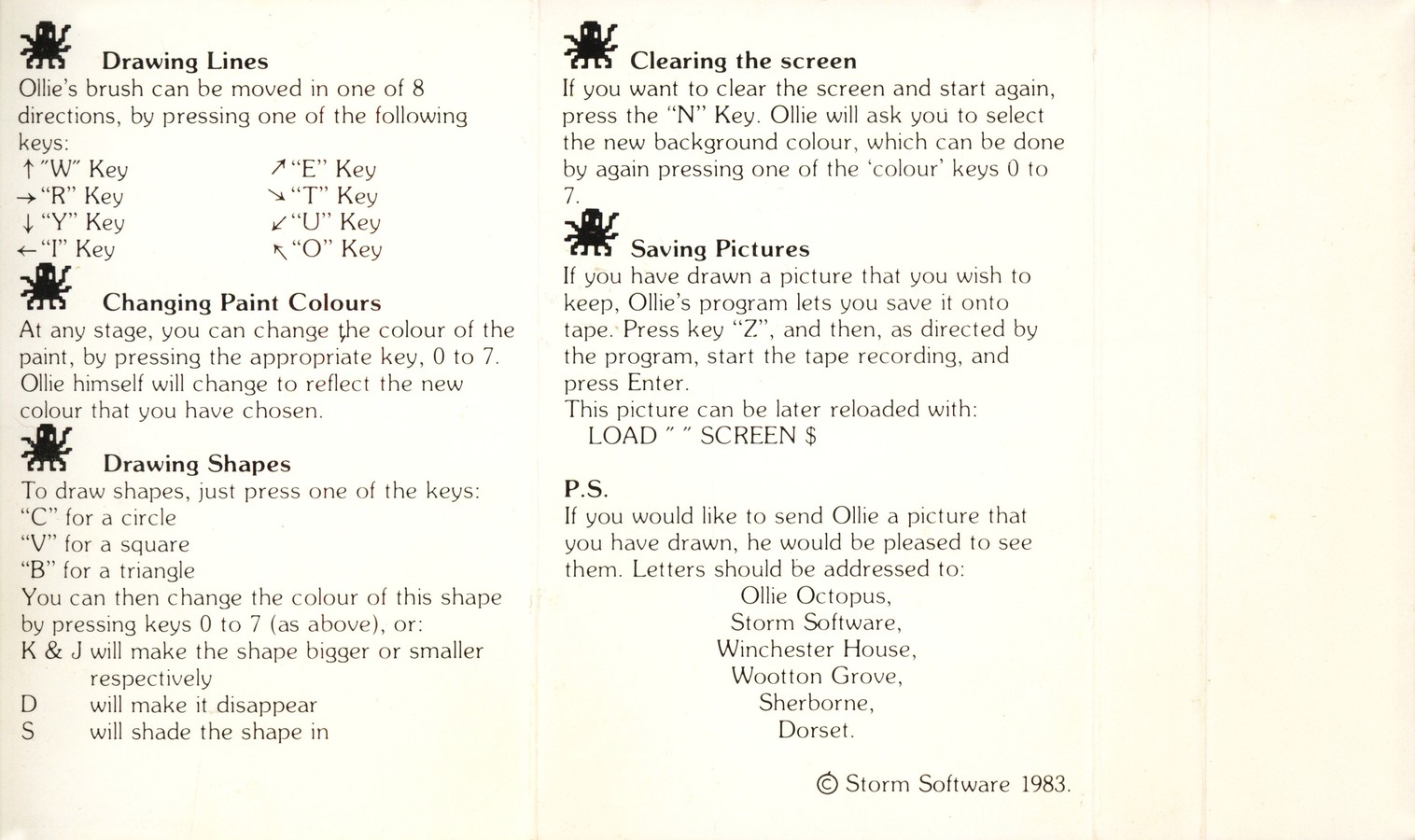
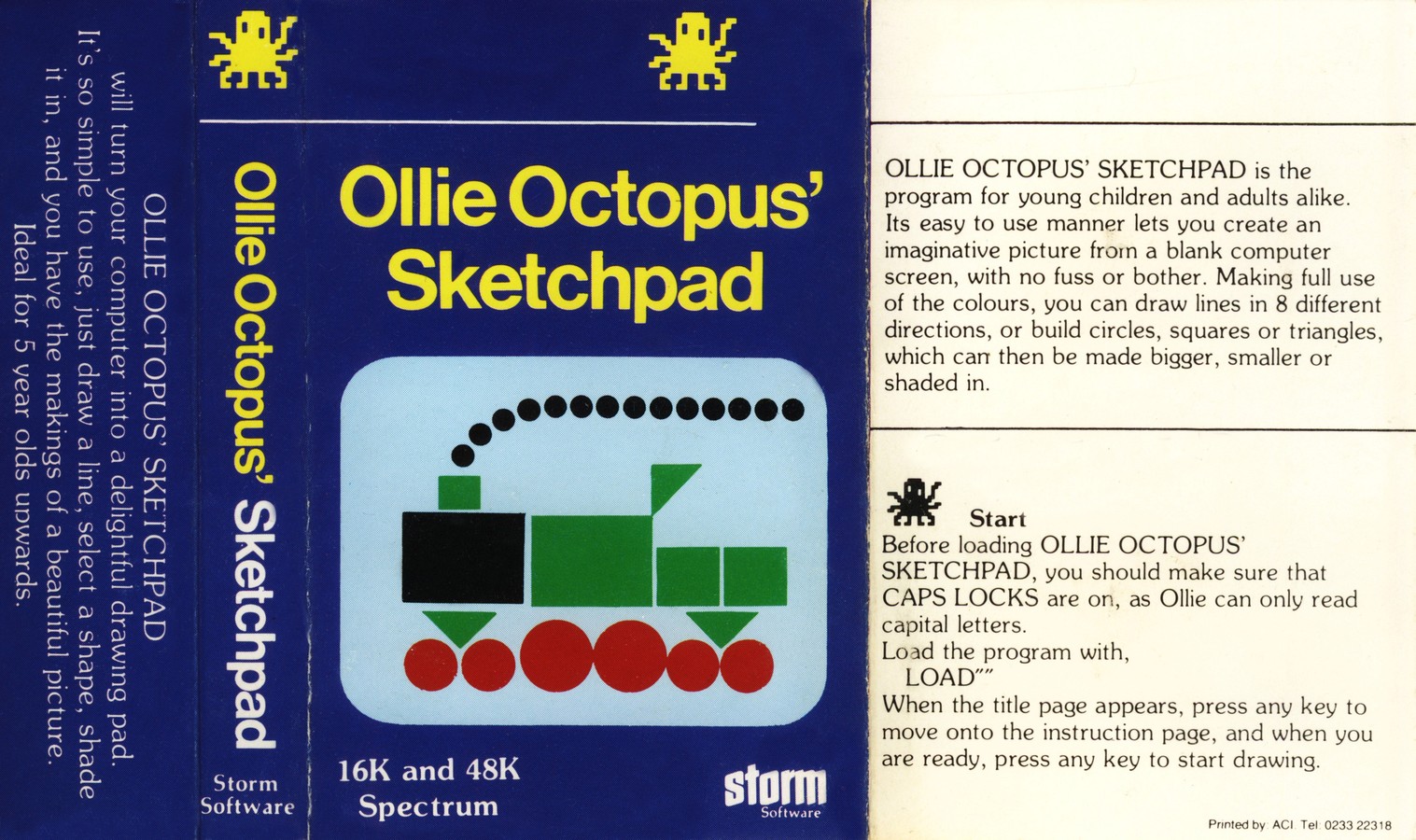
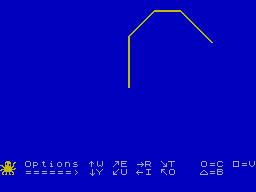
THIS'LL LEARN YOU Some educational programs are not all in the same class. Colin Cohen puts a few to the test. First Steps With Mr Men (£8.95) Primer Educational Software, BBC (Spectrum soon). Quick Thinking (£6.95) Widgit Software, Spectrum/C64 (BBC soon). Caesar The Cat (£8.95) Andromeda Software, Commodore 64, Publisher: Mirrorsoft, Outlets: Mirrorsoft, [redacted] (Retail). Amazing Ollie and Ollie Octopus' Sketchpad (£6.95 each) Spectrum (16K)/BBC, Storm Software, [redacted] Publishing educational software is much like any other educational publishing - if it's to be of any use to the end user (old-fashioned parents call them children) it has to embody both sound educational ideas and sound publishing practices. In the case of computer programs everyone is still very much feeling their way and as a result it is often easy to confuse novelty with a good idea. This won't last long as the novelty soon wears off, and anyway the kids are not as likely to be impressed by gimmicks as their elders. Many programs now available can be used by primary school children with the minimum of adult intervention, but the child can easily be confused by the different conventions observed by different publishers, which means that programs differ within a series. MR MEN A case in point is the first of the Mirrorsoft programs I saw - First Steps with Mr Men which is followed by Quick Thinking and Caesar the Cat. They run on the Spectrum and Commodore 64 as well as the BBC B. Mirror Group Newspapers have done more than just buy big names and merchandise them as computer programs, but they still missed some opportunities. Apart from the technical instructions there is a little 'Mr Men' booklet (by Richard Boulton and not Roger Hargreaves) for the adult to read aloud. It contains four stories (there are four programs on the tape) and each is written in a relaxing style. One would be quite happy to read them without the accompanying programs as there are little coloured drawings which mirror the screen displays. So what are my reservations? Well, the instructions say that you need the short program name to CHAIN"" the program, when of course it is not needed as the tape itself shows. There are two programs on each side of the tape and one is told to <CTRL> <BREAK> and <CHAIN> to get to the next program. Surely a single key should be used for this! On the face of it is also a nice idea to give the child a cardboard strip with four coloured and pointing Mr Clevers to fix above the function keys. Unfortunately the directions in which they are pointing are not that clear, nor is it immediately obvious which four function keys of the ten they refer to. My five year old would certainly have preferred the simplicity of the normal cursor keys to steer the cursor. Often, even in the best regulated programs, the child can find its operation simply too complicated. Under these circumstances (which do not really apply to Mr Men) it is nice to have an easy reward for the child. In the case of Mr Men two of the programs allow you to change the background colour just by using <TAB>, and in one case <CTRL> changes the foreground colour. The effect is very dramatic and rewarding as it cycles through the colours and its pleasing to get 'something for nothing'. The games themselves are quite simple - two do little more than teach eye and hand co-ordination. In the first game Mr Greedy has to be directed at an ice cream, and each time the child succeeds the steering is made more difficult by added obstacles. In the second game only one of the keys is used, but even a five-year-old can still keep it pressed too long. The Mr Forgetful games are a form of pelmanism in which the child has to remember what is hidden in which cupboard - a good deal more difficult than the eye to hand co-ordination of the first two games. The animations of the Mr Men figures are a real pleasure, as is the hornpipe that is played as a reward! OLLIE OCTOPUS Ollie Octopus comes from Storm Software and in Amazing Ollie he (or is it she?) has to be steered round a maze. I have taken it on trust that a billion different designs are possible. The octopus goes collecting fish round the maze which has a reassuringly solid feel if you make a wrong turning. In one version the fish are then re-displayed at the side with one larger fish representing the tens, which introduces the child to tens and units. Two further versions allow one to play against the clock or blindfold. Both are much too difficult for primary children, but the program does claim to be for the whole family. I'm not at all sure what is the point of steering round a maze which has not been drawn as I don't believe that it is possible to create in the mind and then memorise anything but the simplest maze. Ollie Octopus' Sketchpad is intended for five year olds, but would be better regarded as an introduction to colour graphics for all ages. The cursor keys cannot be used as there are eight possible directions for which the function keys are used, while another cycles the colours. C draws a circle, V a square and B a triangle. + and L make them bigger/smaller, D is for disappear and S for shade: what logic is there in this choice? There is a very neat demonstration program in which Ollie draws the cassette cover, it is well worth watching several times as it shows very clearly how you can create quite complex images from basic shapes. Apart from the choice of control keys the program is remarkably simple to use - more than can be said for some other paint programs, though it would probably be even easier for a child if the joysticks were used instead of the function keys for some purposes. And why, oh why is there no printer dump? Not everyone has a printer it is true, but surely no graphics program can be complete without one.
Advert7
- Your Computer #6Jun 1984 · p.116
- Your Computer #5May 1984 · p.27
- Your Computer #4Apr 1984 · p.76
- Your Computer #3Mar 1984 · p.194
- Your Computer #2Feb 1984 · p.188
- Your Computer #1Jan 1984 · p.62
- Your Computer #12Dec 1983 · p.184
Related
- Ports
- (BBC Micro)
- Tags
- Ollie
- Elsewhere
- Centre for Computing History
- Same entry at
- Spectrum ComputingZXInfo
Reviews from people here
Sign in to write about this, or make an account. It takes a minute and lets you correct the catalogue too.
No credit recorded.
Sign in to correct or add to this.
Hold the rights to this and want it taken down?