
Show Jump
Sport Game: Action · ZX-Spectrum 48K · 1 players · English
IMS Software · 1984 · Pound sterling 5.95
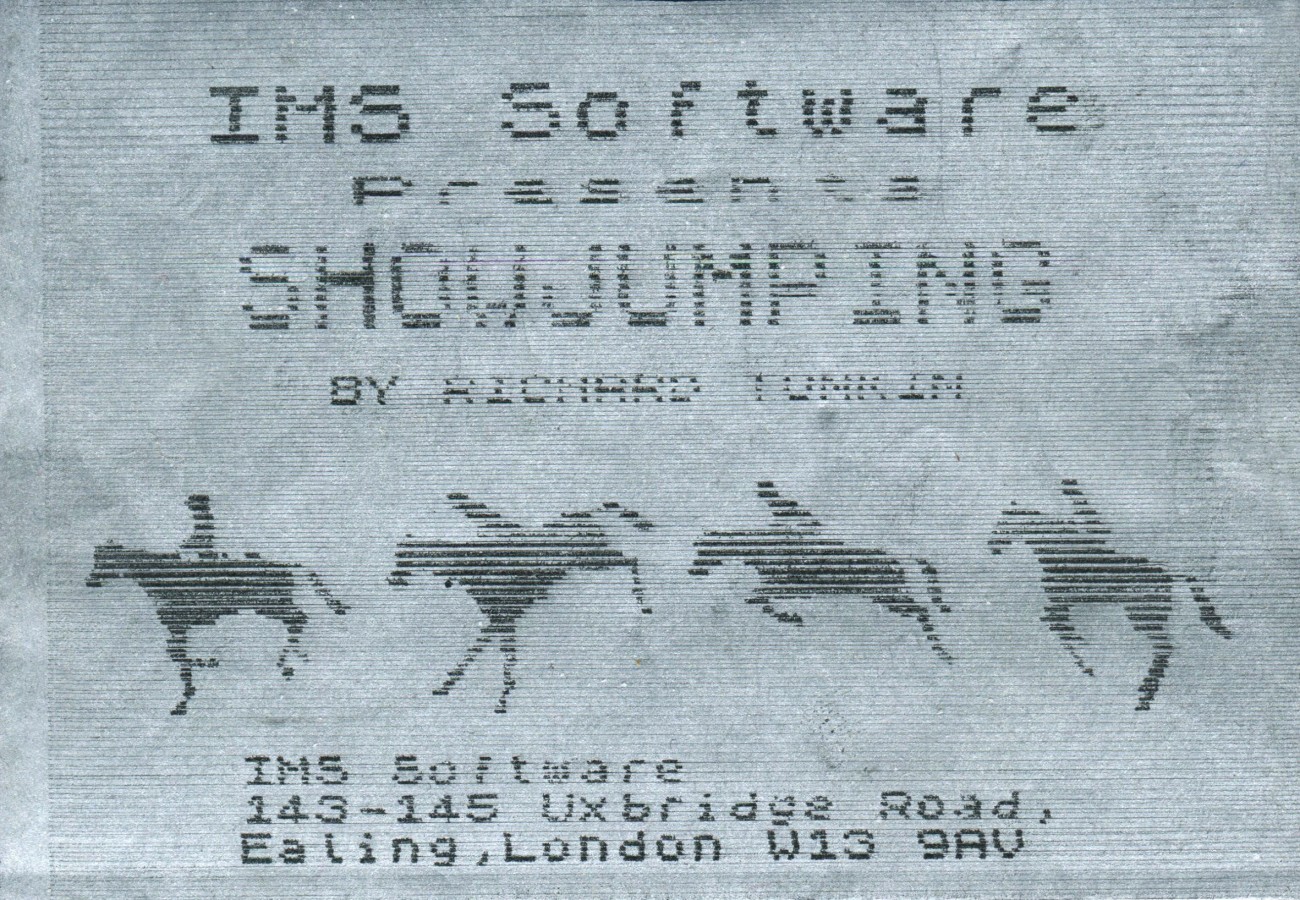
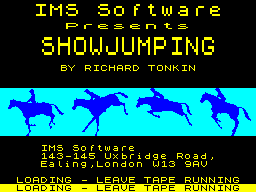
Also known as Showjumping (English)
Discussion
Nobody has started a thread about this yet.
Play
- ShowJump.tzx.zipTape image English15 KB
- ShowJump.tap.zipTape image English15 KB
Files and rights
No permission is on record either way. Screens and pictures are copied here on a take-down basis: if you hold the rights and want something removed, say so and it goes.
Credits
- Richard V. Tonkincredited
Sign in to credit somebody, or say what these people did.
Scores
In the magazines
- Crash #91984 · Overall64%
Elsewhere on the web
- WorldOfSpectrum 2 votes6.50
In the magazines 3
ZX Computing #18Apr 1985 · p.16
Nigel Stutt
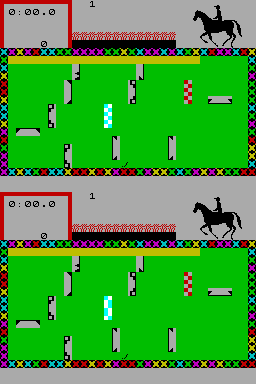
READERS' REVIEWS Once more we open our pages to the people who use the programs the most - YOURSELVES! SHOW JUMP IMS Software Nigel Stutt Here we have, not a super exciting space battle, silly platform game, nor an adventure, but a nice, well presented Show Jumping game for the horse enthusiast (or even for the not so enthusiastic horse hater). To be honest, I don't really like horses or show-jumping, but this game is, I think, very good and worth a review. The cassette artwork is not amazing, and I think this is why the game is not too common in the shops. There is nothing wrong with the game itself, and the rules are rather straightforward you have to complete the course with the least number of faults and the best possible time. If two players gain the same number of faults, then the times determine who goes onto the table. First though, some notes about the table, and then I'll go onto the game itself. The table is drawn up for each course, and the best qualifier (with the least faults and /or best time) is placed onto the table for that course. There are eight different courses, some of which require very careful riding, whilst others are purely fast courses, relying on time rather than the number of faults. The qualifying time for each course is used for the next competitor to provide a time check at each fence and give an idea whether they have a faster or slower time than the last competitor. At first sight, the course looks a little confusing although things soon become clear. Shown at the top of the screen are your times and faults, with a representation of you on your horse. The main part of the display is taken up with a plan of the course. The start line is shown in blue and white, and the jumps in black. You and your horse are shown as a line with ears (supposedly a bird's-eye view). This is one of the small faults in the game, and I'm sure that the game's writer could have come up with a better graphic likeness than this. Play is controlled by five keys, for Left, Right, Faster, Slower, and Jump. These are quire straight forward and respond quickly (they need to with my jumping). Once you press Faster, the horse at the top of the screen will start to 'walk'. This is very realistic and you should be impressed, but just wait 'till it gallops and jumps! You will also see that your horse has started to move forwards on the course, and that a section of the starting line has begun to flash. Once you have crossed this line the time counter begins, and the first jump will start to flash if you jump any other fence, then something nasty happens to your horse. You gain three faults for a refusal, and four faults for hitting a fence. It is best to jump forwards over the lower section (right in the middle) of the fence, though it is possible to jump across at an angle (but not recommended as this can cost you quite a few faults). By now, I bet you're wondering - 'How do you jump?'. Well, this involves the graphics of your horse at the top of the screen. Once you get up to a gallop and head for a fence, you should see the fence approach your horse, at which point you must try to time your jump correctly. One other problem I found in the game is that the horse refuses too often, sometimes when it is only five feet from the fence (though I suppose this is like real life). So, you must continue jumping until you reach the finish line and this, I can tell you, is no easy task. Avoiding wrong jumps and staying within the boundaries at the same time as trying to swing into the right position for the next jump is almost impossible at high speed, and so the overall effect is very realistic indeed. The numerous courses mean that the game is always interesting to play, and I'm sure that many horse lovers will find this the perfect game, although I tend to think that it may be a little slow for those who like fast arcade games. Still, a good game. Show Jump is produced for the 48K Spectrum and available for around £5.50.
Crash #9Oct 1984 · p.1877%70%60%66%50%58%64%
Use of Computer 77%
Graphics 70%
Playability 60%
Getting Started 66%
Addictive Qualities 50%
Value For Money 58%
Overall 64%
Unknown
Unknown
Unknown
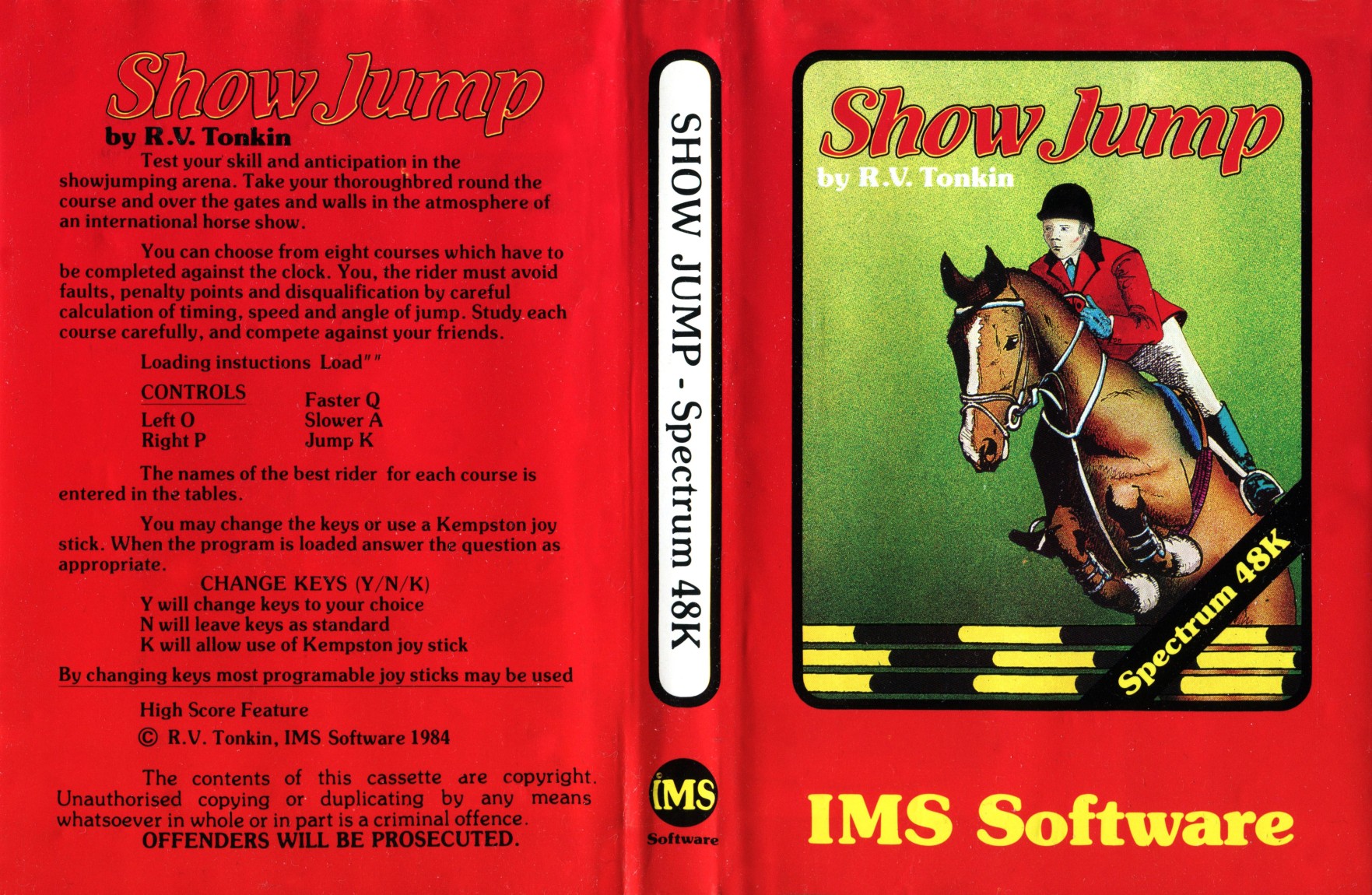
Producer: IMS Software Memory Required: 48K Retail Price: £5.95 Language: Machine code Author: Richard Tonkin Show Jump comes in one of the larger sized plastic cassette cases, the sort that have a wallet for the inlay. However, there are no instructions or descriptions on the inlay. This might be considered a drawback to IMS since jumping horses over fences doesn't sound like too good a thing on the Spectrum as Hickstead proved. Which is a pity, because Show jump actually has a rather elegant way of presenting the simulation. When loading is completed the player is offered a choice of definable keys for the five controls - faster, slower, left, right and jump, and a choice of 8 courses over which to jump. These are of increasing complexity in layout, but all with ten fences of various types. The playing screen is divided into two areas. The larger is a green rectangle bordered by the traditional; show jump flowers with a plan view of the fences, a blue chequered block for starting and a red one for finishing. Your horse and its rider are represented by a short line with a small Y for the head. Above this is a narrower strip with a red bordered square containing the time elapsed since crossing the start (real time) and fault points accrued. The rest of the strip is an animated simulation, and form the elegant solution to presenting this game. On the right is a large graphic of horse and rider. They can be seen walking, trotting or cantering to speed quite accurately although they stand on the spot. On approaching a fence, seen on the plan below, the fence seen from the side appears from behind the timing square and rushes towards the rider, allowing a very accurate judgement to be made as when to jump. Equally, running into the edges of the jumping area results in the flowers appearing until the horse runs into them and you retire hurt. As in real show jumping, the fences must be taken in a specified order. This is indicated by the next jump to be taken flashing. Taking a wrong jump or going over it in the wrong direction will mean disqualification. COMMENTS Control keys: preset as Q/A up/down, O/P left/right and K for jump - good positions, but also user-definable Joystick: almost any via UDK Keyboard play: responsive but rather hard in control Use of colour: above average to good Graphics: generally clear and simple, but horse animation is impressive Sound: not much, fault beeps Skill levels: different difficulty levels with courses Screens: 8 courses
'Coming up to full speeed - and there goes Harvey Smith, bucketing over the jump...'
Feature1
- Crash #16May 1985 · p.46
Related
- Elsewhere
- UVL
- Same entry at
- Spectrum ComputingZXInfo
Reviews from people here
Sign in to write about this, or make an account. It takes a minute and lets you correct the catalogue too.
No description recorded.
Sign in to correct or add to this.
Hold the rights to this and want it taken down?