
Picture Logic
General: Education · ZX-Spectrum 48K · 1 players · English
Addison-Wesley Productions · 1983 · Pound sterling 22.75
Also known as LOGO Challenge (English)
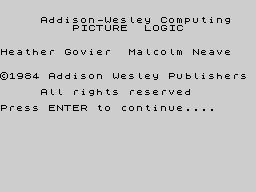
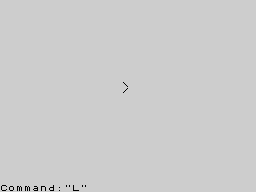
Discussion
Nobody has started a thread about this yet.
Remarks
The tape has ISBN 0-201-18404-4.
Play
- PictureLogic(Side1).tzx.zipTape image 11 KB
- PictureLogic(Side2).tzx.zipTape image 1 KB
Documents
- PictureLogic(EN).pdfInstructions English2,117 KB
- PictureLogic(EN)_2.pdfInstructions English16,739 KB
Files and rights
No permission is on record either way. Screens and pictures are copied here on a take-down basis: if you hold the rights and want something removed, say so and it goes.
Credits
- Heather Goviercredited
- Malcolm Neavecredited
Sign in to credit somebody, or say what these people did.
In the magazines 2
ZX Computing #22Dec 1985 · p.42
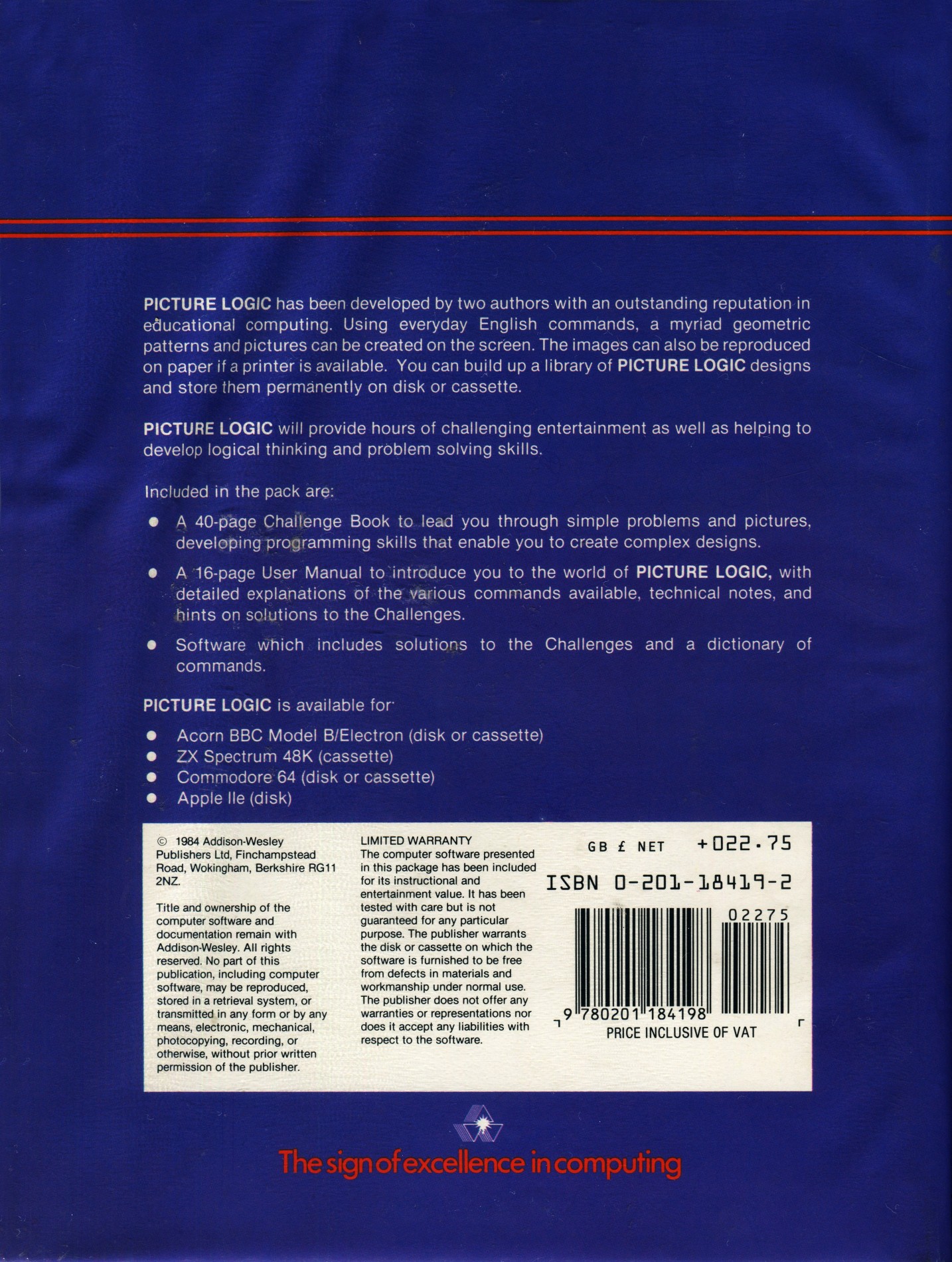
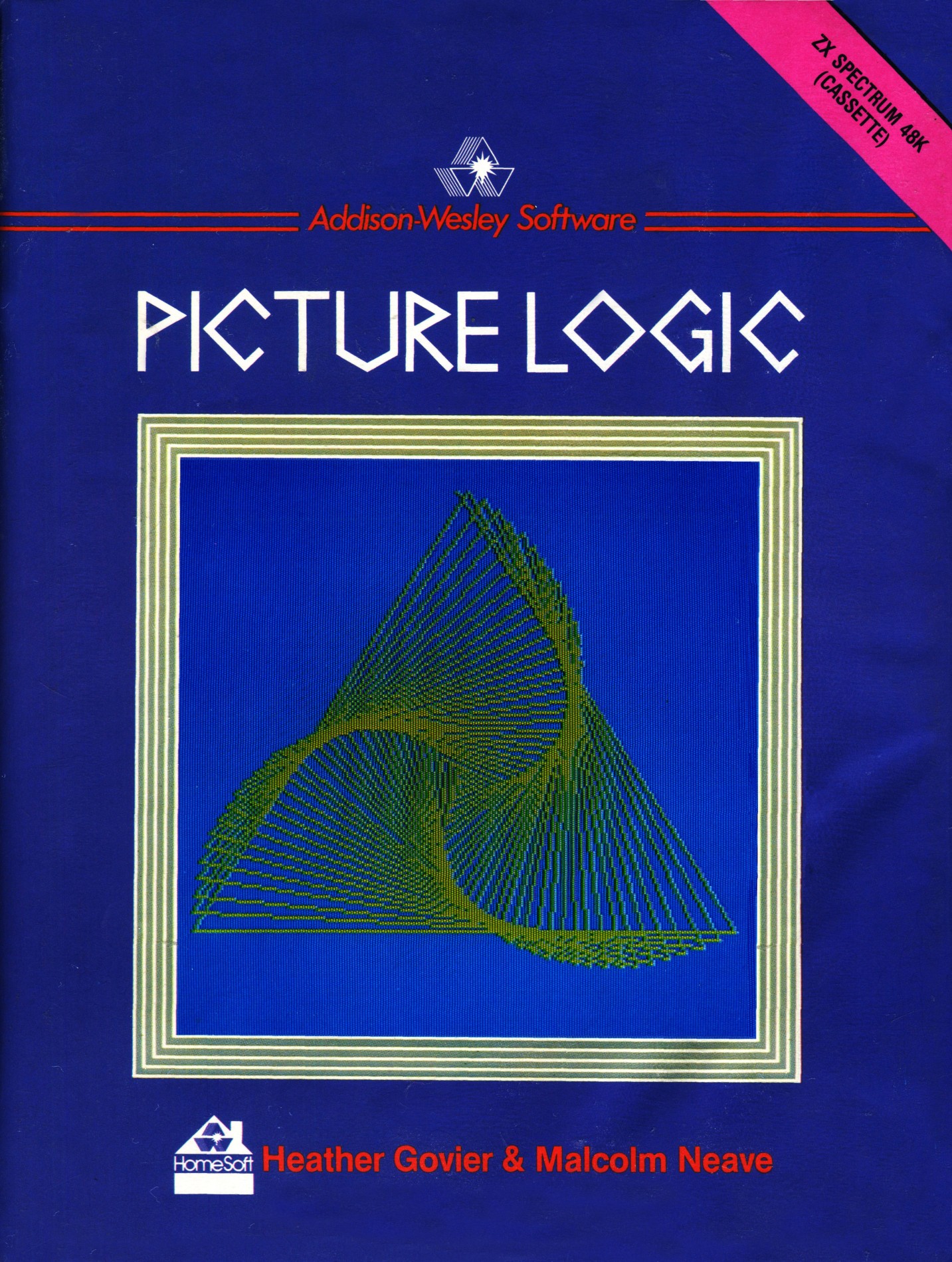
ZAPPING YOUR GRAPHICS ZX looks at some utilities that can help put some life into your graphics displays. ZAPPING YOUR GRAPHICS ZX looks at some utilities that can help put some life into your graphics displays. This is an attempt to introduce LOGO to children and adults. As well as the program tape it contains two booklets, one aimed at adults and the other aimed at children probably aged from around 12. As an introduction I feel it succeeds perfectly on both the levels attempted, the children's book has step by step instructions and exercises followed by challenges it is well set out with screen pics and diagrams. The adults' book is written in less detail but is easily understood. Picture Logic supports 25 commands, variables and four arithmetical functions (addition, subtraction, multiplication and division). This is a gentle and pleasantly presented introduction to LOGO, though I feel it is a little limited and you could soon reach the full extent of its capabilities. It would serve as an excellent introduction for schools, though it is a bit expensive. Addison Wesley Publishers Ltd. £22.75.
Crash #19Aug 1985 · p.102
Rosetta McLeod
CRASH COURSE By Rosetta McLeod ... ON THE NEED FOR DOCUMENTATION AND BACKUP MATERIAL I imagine that many readers of this column will have been watching the series of programmed The Learning Machine on BBC television, which look at the use of computers in education. One point that was made quite forcibly by teachers and educationalists who were interviewed about the merits or demerits of educational software, was that publishers are simply not listening to what they require for school use. Few teachers would buy a textbook to use with their pupils which was not written by someone with teaching experience: they are, however, expected to purchase educational software which has not been designed by experts. Even well-known and respected educational publishers like Longman and Macmillan are not exploring fully the potential of the software they are marketing. What is needed, both for use in the home and in schools, is greater documentation to accompany the software. The Postman Pat program reviewed in this month's column, for instance, is very good as far as it goes but even Nicholas, the three year old who tried out the game for me, was quick to point out the demerits. Although it gives useful practice in directional skills, this game does little to extend the child's creative imagination, and Nicholas said he would have liked a story to go along with the package. There is now an increasing number of programs, particularly those written for children, which have the potential for directing the user towards literature or other textual materials and could easily be used as a springboard into other related areas of activity. Programs intended for use in schools should be accompanied by reasonably comprehensive notes for the teacher, it the very least, and ideally by workbooks for the pupils. Unfortunately, though, software producers seem to consider the programs as entities in themselves, and not as a core or stimulus for other related tasks. These producers bemoan the fact that their products are not being purchased as avidly as they would have liked by parents and teachers, yet they fail to realise that the purchasers want more support and direction. If more publishers were willing to provide additional material for use with their educational software, they would be meeting a real need and encouraging micro users to make much more constructive use of their machines. No doubt they would also sell more software! PICTURE LOGIC Producer: Addison Wesley Software Memory Required: 48K Retail Price: £22.75 Writers: Heather Govier and Malcolm Neave Age Range: Primary school children Picture Logic is really a version of Logo, the simple program riling language suitable for young children. The idea behind this program involves the use of an arrow displayed on the screen (Picture Logic's version of the Logo Turtle), which the user moves around to create geometric patterns and pictures. In order to tell the arrowhead what to do, the child needs to analyse what he or she would have to do to make a path of the same shape. Careful thought is therefore required, before the arrowhead can be given appropriate instructions. In common with all Logo type software, Picture Logic's most significant feature is that it is interactive. The child should be able to see the effect of commands at once, so that he or she can see right away if the instructions given to the computer produced the expected pattern. In this program, however there's a delay of quite a few seconds between the command being entered and the response appearing on the screen, which can be rather frustrating for a young child. This delay can be slightly reduced, although not completely eliminated, if the arrowhead is 'hidden' rather than displayed continually. Unfortunately the package has been programmed in BASIC, which partly accounts for its lack of speed. Another problem is that each line of a multi-line procedure has to be ENTERED separately. This results in each line being cleared from the screen as the subsequent instruction line is ENTERED. It would have been better if an entire procedure could be typed onto the screen and then ENTERED as a block after the END statement. A further shortcoming is that the maximum angle that can be turned right or left is 180 degrees, which is rather limiting in that the child is not able to see the relationship between turning right through 90 degrees and turning left through 270 degrees. (Incidentally, the error trapping routine used to check that you haven't attempted to turn through more than 180 degrees is also used to govern movement.) Having said that, however, there are a number of excellent touches to the program. A scale facility has been incorporated, which makes the program easier to use with very young children, and a HELP facility gives access to a list of all the commands available and an optional explanation of the effect of each command. The HELP facility is not global, however, and cannot be accessed from any point in the program which limits its usefulness. Picture Logic comes complete with two excellent booklets: one, a User Manual, aimed at the adult and the other a book of guidance for the child's use, which is beautifully laid out and details the various stages in using the software in simple terms. This booklet also contains Challenges for the child to complete as a way of reinforcing learning. Though expensive, this is a very professional and thorough package, which should be enjoyed by every child interested in computing. COMMENTS Control keys: the child uses the keyboard to enter Logo-type commands, such as FD 60 which draws a line 60 units long from the position which the arrow is occupying in the direction it is pointing (Forwards) Keyboard play: very slow Use of Colour: black and white only Graphics: clearly drawn
Related
- Versions
- Picture Logic (Included with)
- Ports
- (BBC Micro)
- Same entry at
- Spectrum ComputingZXInfo
Reviews from people here
Sign in to write about this, or make an account. It takes a minute and lets you correct the catalogue too.
No tag recorded.
Sign in to correct or add to this.
Hold the rights to this and want it taken down?